Forum Discussion

Teresa_Cyrus
Aug 26, 2026MVP
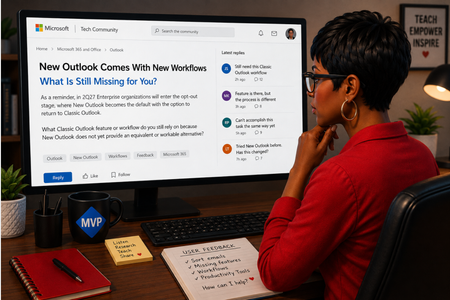
New Outlook Comes With New Workflows: What Is Still Missing for You?
As a reminder, in March 2027, Enterprise organizations will enter the opt-out stage (Message ID 949965), where New Outlook becomes the default with the option to return to Classic Outlook. That is no...

RonRon
Aug 28, 2026Tin Contributor
I haven't tested it for a while and at the moment no time to do so.
But I'm curious if these issues are resolved?
- No drag & copy for (older) appointments
It is not possible to drag and copy existing appointments, such as Regular maintenance or Lunch. - No keyboard shortcuts for categories
Users cannot assign keyboard shortcuts to categories (e.g., setting F2 for Regular maintenance). - Scheduling Assistant reduces available screen space
When creating or editing an appointment, the Scheduling Assistant remains fixed on the right side of the screen, which takes up a significant portion of the workspace. - Save shortcut closes appointment
Using CTRL+S to save an appointment automatically closes the window, even if the user intends to continue editing after save. - Missing search function
The option to search the calendar by Subject or Notes fields is no longer available. - Support for PST-files is limited.
- Support for multiple Shared mailboxes is limited.
- Changing From address after you composed an email opens a new blank email.