Forum Discussion

SharePoint Library Help Needed
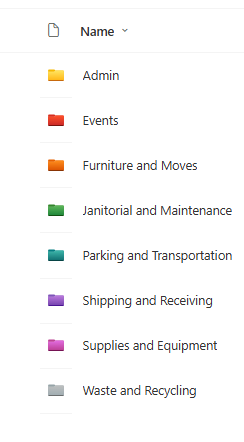

Power Apps customized forms in SharePoint work at the library level, not at the folder level. So, they won’t show up when users upload files inside folders. They only open when creating a new document using New or when editing metadata. Because of this, when users go into a folder and click Upload, SharePoint uses its default upload experience instead of the Power Apps form. You may consider creating a full Power App (not just a form) if you want more control over uploads and metadata.
I would recommend a simple approach using library settings and permissions. This will ensure users can only upload files inside folders.
- Disable “New Folder” in Library Settings (which you have already done)
- Set read-only access at the library root level
- Give contribute/edit access at the folder level
For the Fiscal Year column, you can use Power Automate with an HTTP request to update the choice values each year (add new FY and remove the oldest), keeping it limited to 5 years.
If my post solved your issue or answered your query, please mark it as a Solution and give it a Like.