Forum Discussion

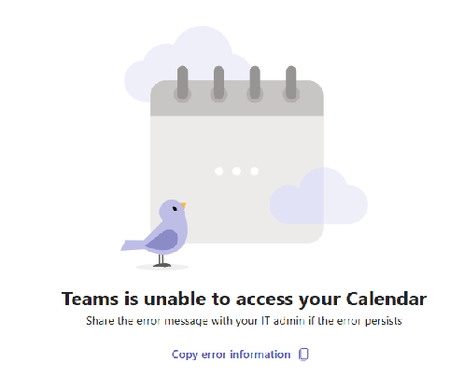
Teams is unable to access your calendar
 Apr 11, 2025
Folks, for me it was the EWS (exchange web services) being set to ON for the user but OFF for the org. The whole KB article pointed out they REVERSED THE BEHAVIOR of the setting.
i.e.last week disabled for ORG and ON for user would work.
This week it won't work. You have to use EWS Enabled TRUE for org AND user
It's not instant gratification when you make the change it may take more than a few hours.

This is the EWS to REST protocol change, MC1015906 rolled out and it flipped how org-level EWS settings interact with user-level ones. Org settings now override user settings, so any tenant relying on user-level EWS being enabled just broke, even with zero changes on your end.
Quick check: run Get-OrganizationConfig | fl EwsEnabled, EwsAllowMacOutlook, EwsAllowOutlook and see if EWS is disabled at the org level. If it is, that's your answer, new Teams clients need REST as a fallback and if that path isn't properly enabled, calendar access dies even though nothing changed on your side.
Fix is either enabling REST properly through Set-OrganizationConfig or adjusting EWS org policy to match what it was before the rollout. Worth checking Message Center for MC1015906 specifically to confirm the rollout hit your tenant on the same day this started.