Forum Discussion

Data Governance Retention Policies Do Not Appear to be Enabled
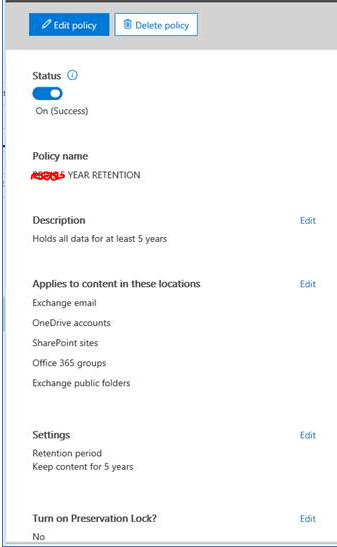

Empty equals "all" in this case.
 JeremyMar 15, 2018Brass Contributor
Hi Vasil,
If empty equals "all", why is it that when I create a Compliance Retention Policy that only targets Exchange in the GUI, PowerShell shows {} for all categories: sharepoint, odfb, exchange, skype, and moderngroups?
How can I apply a RetentionCompliancePolicy to only a single workload via PowerShell?
Thanks,
Jeremy- VasilMichevMar 15, 2018MVP
Are you referring to the *location properties? Those will only be populated if you use the -DistributionDetail switch. To create a policy applied to only Exchange, use the -ExchangeLocation switch with the "All" value.
- JeremyMar 16, 2018Brass Contributor
Hi Vasil,
Thanks, that is exactly what I was looking for. i didn't notice there was an additional switch that had to be used to get the full details. Is there a reason for needing the detail switch as opposed to simply exposing these properties by default? Seems like an unnecessary step.
 Don YoungMay 12, 2017Tin ContributorThanks Vasil but is there any way for me to tell for sure?
- VasilMichevMay 12, 2017MVP
You mean you don't trust me? :( I'm not aware of any document that mentions this, if that's what you mean.
- Don YoungMay 12, 2017Tin Contributor
Oh not at all! I meant no disrespect! :-)
Thanks for the info!