Forum Discussion

Data Governance Retention Policies Do Not Appear to be Enabled
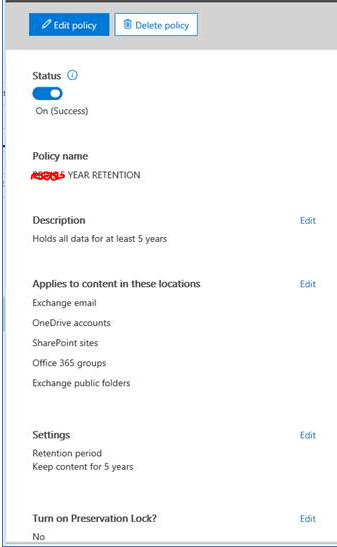

Hi Vasil,
If empty equals "all", why is it that when I create a Compliance Retention Policy that only targets Exchange in the GUI, PowerShell shows {} for all categories: sharepoint, odfb, exchange, skype, and moderngroups?
How can I apply a RetentionCompliancePolicy to only a single workload via PowerShell?
Thanks,
Jeremy

Are you referring to the *location properties? Those will only be populated if you use the -DistributionDetail switch. To create a policy applied to only Exchange, use the -ExchangeLocation switch with the "All" value.
- JeremyMar 16, 2018Brass Contributor
Hi Vasil,
Thanks, that is exactly what I was looking for. i didn't notice there was an additional switch that had to be used to get the full details. Is there a reason for needing the detail switch as opposed to simply exposing these properties by default? Seems like an unnecessary step.
- VasilMichevMar 16, 2018MVP
That's a question only the devs can answer :)
- JeremyMar 26, 2018Brass Contributor
Hi Vasil,
Could you point me in the right direction, and explain how to execute this command?
Set-RetentionComplianceRule [-ExcludedItemClasses <MultiValuedProperty>] <COMMON PARAMETERS>
I have every permission I can find, but yet the -ExcludedItemClass does not seem to be available via PowerShell.
Thanks