Forum Discussion

New Teams - Video freezing
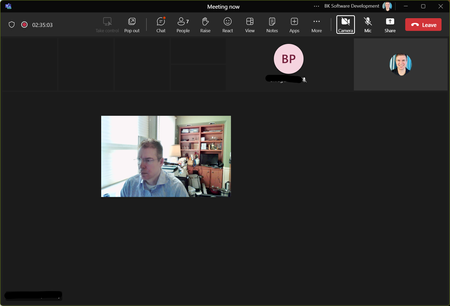

The problem is with my ASUS ROG STRIX X670-E based PC, while my HP Laptop always worked fine.
I just faced the issue again today.
- I fresh booted the PC from power on and joined a Teams meeting. No issues for like 5 minutes. Then freezing/delay started.
Vocie was fine, but the desktop sharing (receiving) and the videos (In/Out) - Closed NewTeams App and started it again. Still freezing issue.
- Made a Windows 11 Restart (without powering down) and joined a Teams meeting.
No issues. (I stayed in the meeting for over an hour. No freezing.)
Will do further testing, when I have time.

The fix has been posted in this thread for several months. The problem is caused by Nahimic and the fix is to blacklist teams in the Nahimic exclusion file. My motherboard is also an ASUS ROG STRIX board and Nahimic was installed with Asus software. I would be surprised if your issue is any different.
It might be useful if people tried the fix first and then posted if it didn't work. For most of us Nahimic is what caused the issue but it is possible that there could be something else causing the issue. So, if someone applied the fix and still has the issue we would know that there are other causes.
- oceanviewFeb 21, 2024Copper ContributorI have the fix applied for months. Worked until Monday. Still investigating why it appears again. (but in a sligthly different way)