Forum Discussion

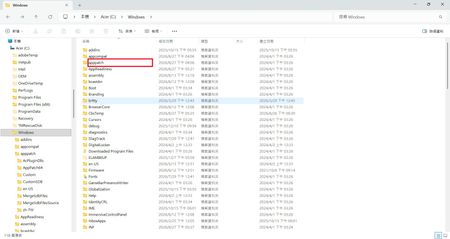
Is this the Microsoft Windows Application Compatibility fix Database?

My laptop uses Windows 11 25H2. Before installing KB5101684, the file history functioned correctly. In "Control Panel → All Console Items → File History," the "Last Backup" time was updated correctly whenever a file was successfully backed up to the D: drive.
However, after installing KB5101684 on July 29, 2026, problems began to occur:
Files can still be backed up to the D: drive normally.
The "Last Backup" time in "File History" fails to update correctly.
Newly created or saved Word documents, images, videos, etc., still show "No previous version available" in "Properties → Previous Versions."
Even more worryingly, my Windows 10 22H2 desktop computer also started experiencing similar file history synchronization issues after installing KB5120249 on August 12, 2026.

Those bugs were introduced by the August 2026 Update, and have nothing to do with "Microsoft Windows Application Compatibility Fix Database". If you remove this app, it will not fix your File History problem which other users have also reported as broken after installing Aug 2026.
You can uninstall the last Monthly Update, or wait for MS to fix the problems.