Forum Discussion

Recommended way to change the Modern Team site's Member group permsion level from Edit to Contribute
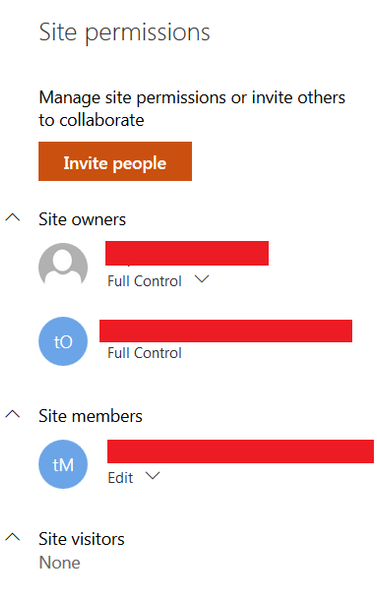

john john Hi. Did you get anywhere with this. I have the same issue. My client has a Teams site which is shared with external guests. We need all the team members to have the 'restricted view' permission level.
I can create another SP group with the 'restricted view' permission level and reroute the O365 group to it. But then if a Team member adds a guest in the Teams front end, the guest will go into the team members permissions group and get edit permissions. My clients want to add users themselves, which seems to me to make sense.
Alternatively I can change the default team members permission level from 'edit' to 'restricted view' in site permissions. Then if a member grants access to another they will get the correct permissions. But should I? It seems to be working but I have seen stuff saying it's not advisable to change the default group permission level? Any advice gratefully received.

Hello Victoria Symons, may I suggest the following ideas:
since SharePoint start 19 years it was always a good thing to have a low number of permission levels and level only for one group, not in several groups or even persons to deal with the items or documents.
Otherwise there will be permission chaos and you have lots of trouble because of single permissions on single persons for single items...
Also the modern SP sites are constructed with a better clarity with only 3 permissions levels on each new site, which is always connected with a team (an o365 group) or which is a private site in a Teams channel.
And if you need to have user-defined permission levels and groups you can create it on lists and libraries. The Sites will not accept it and I think this is a great structure now.
But these extra permission structures are complicating again and clarity will be lowered.
Greets, Eva