Forum Discussion

Sync New Outlook with iCloud Calendar
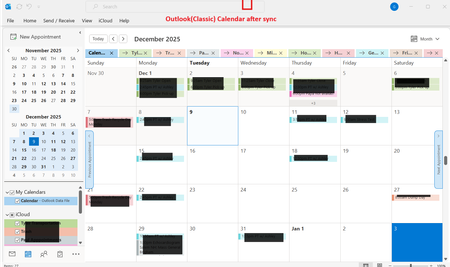

To be clear, Outlook is installed on my laptop. I do not have an Office 365 subscription.

I got around this by creating an icloud.com email (which I did not have previously) and connecting it to New Outlook as an email account. This pulled in my iPhone contacts and calendar and keeps them synced. I turned off contact/calendar syncing in the iCloud for Windows app as that is N/A to NO.
There are still a number of glitches and gotchas in NO. The biggest one is that, with Gmail being my main email still, contacts and calendar events would not save to the iCloud folder automatically or at all. I had to make iCloud my primary email for things to fall into place. The only annoyance is that now I need to make sure I'm sending from my Gmail account which requires me to be in a Gmail folder or manually changing the from account in the email dropdown.