Forum Discussion

Vistaprime
Apr 02, 2022Copper Contributor
Outlook keeps prompting me for password
Outlook keeps asking me for a password. This started around 2 months ago. I did troubleshooting online and it says to go to account settings and then the security tab and then uncheck prompt for pass...
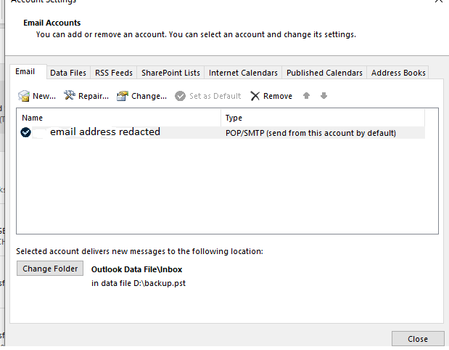

Vistaprime
Apr 05, 2022Copper Contributor
Hi thank you so much but this didn't work. I am still getting the notifications. Can I change this to an exchange account somehow, will that work?
Vistaprime
Apr 12, 2022Copper Contributor
Can anyone help with this issue
 Jamie-NewZealandFeb 02, 2024Copper Contributor
(SOLVED)... Go to Control Panel > Credentials Manager > Windows Credentials.
Highlight the problem credential(s) and right click to open. Select edit. Delete username and password, then type in the correct username and password, then click on save. Reboot your computer. Outlook should now open and show "connected to Microsoft exchange". No prompts for your password should appear. If one does, ignore it and allow a few minutes for the exchange server to update itself, then close and reopen Outlook.
The main edits you need to do are your Microsoft Account and any showing your email address/username.
I hope this helps.