Forum Discussion

MS Outlook 2024 LTSC automatically gets closed and later not getting open
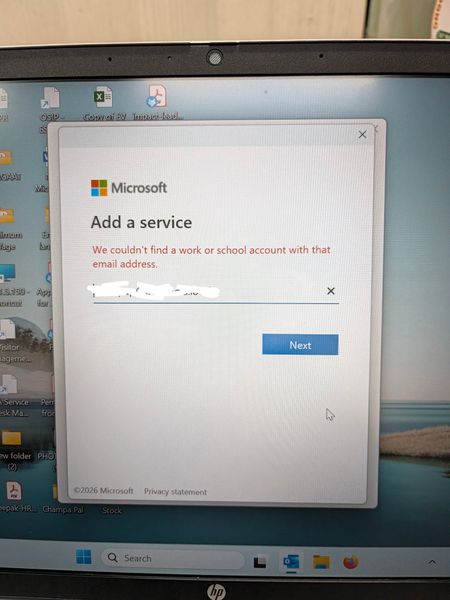

Treat the crash and the Microsoft 365 redirection as two related but separately testable failures. First sign in to the mailbox through its normal webmail URL. If webmail works, the mailbox is healthy. On the PC, open Event Viewer > Windows Logs > Application and capture the Outlook faulting module and exception code from the latest crash.
Create a temporary Windows user profile and try Outlook there. If Outlook opens, the damage is in the original Windows profile, credentials, or Outlook configuration rather than the Office installation. If it also fails, run an Online Repair from Installed apps and check security software or a faulting Office component identified in Event Viewer.
For the profile wizard redirect, your Exchange administrator should test the Autodiscover URL from the affected network and verify internal DNS, the Service Connection Point, certificate names, and virtual-directory authentication. Do not enter Microsoft 365 credentials if this is an on-premises-only mailbox. A reinstall does not change DNS or Autodiscover, which explains why it did not resolve the behavior.