Forum Discussion

CC and BCC fields in Outlook Web version
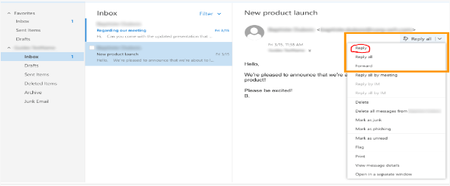

OK, so when you enable the option in Settings-> Mail-> Compose and Reply-> Message format, the field will show up when you make the message header "active".
Normally, when you hit reply, the message header remains "condensed". Once you actually click on the "To" field, the header will automatically expand and show the Cc and Bcc (if enabled) as well.
There is no option to always show the expanded header when replying.

No, the field Bcc is not active although I select that option when I simply reply.
OK, thanks for the information. If I use desktop application those fields are active when I reply an email so I thought that the Outlook Web would have same behavior , in fact I would say I was able to see it on previous version. For me, it is useful.
Again thanks for taking your time to check this.
Regards,
Ignacio M.