Forum Discussion

Mac: OneDrive Couldn't Start: Please restart your computer and try again
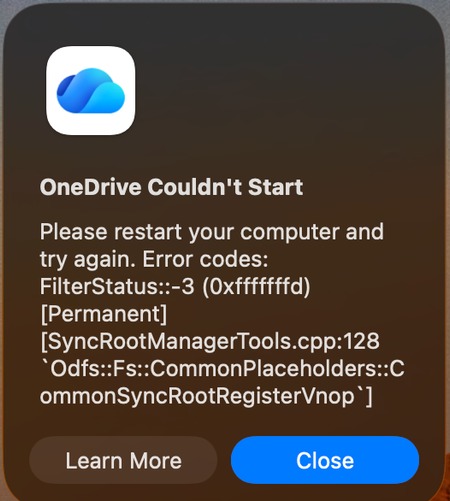

Incredible - will be removing team from sharepoint - everyone is messed up cannot access critical shared files - I have tried the below and it worked and 1 day later it unlinked again - just not worth the hassle, we now have arcane file names "2" duplicatoin of stings in names, folders we cannot delete to resync loss of multuple sharepoints - I have instructed my entire team to stop working.
For me this file did not exist:
"/Applications/OneDrive.app/Contents/StandaloneUpdater.app/Contents/MacOS/OneDriveStandaloneUpdater"
Reset ondrive script worked but a new error appears today.
The route folders of my sharepoint works however consitutent folders are syncing from a seperate location on the filesystem not user/library/Cloudstorage/whatever onedrive but rather inside
…/Group Containers/XXXXXX.OneDriveStandaloneSuite/XXXXX.noindex/…/XXXXXX - Documents/my folder