Forum Discussion

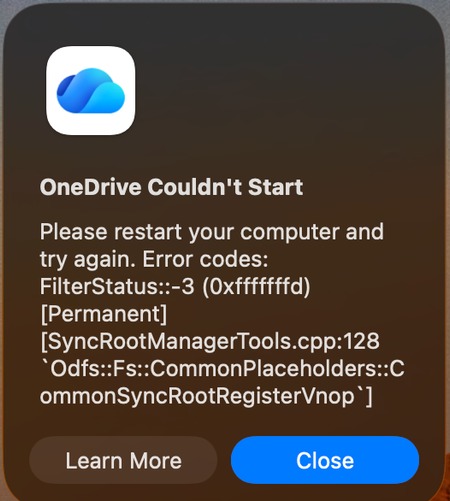
Mac: OneDrive Couldn't Start: Please restart your computer and try again

Followed the steps above, thanks ! I recommend to NOT use the
button, but instead at Shared Libraries to your OneDrive by
adding a shortcut to OneDrive. This way the folders will sync as well (also always keep on the device) but is more reliable.

My issue is that I need to refine those 30 shares to bring back. Additionally, that's going to blow up timemachine on me.
As a work around, I need to test it but I was able to extract out that OneDrive has an 'odopen' URL scheme. I've written a script to extract what URLS are registered and I think have a way via CLI to restore them back.
Depending on how this works, I may end up publishing a github repo with scripts one can use to save a 'config' of OneDrive sync's one has. In the event you changed laptops or lost them, be able to restore those syncs without having to rediscover them all over again.
- DanielTDSSep 16, 2026Copper Contributor
Check out my reply.
The update to the insider preview restores all accounts that were working up until the problematic version.I have 4 accounts and various custom sync'd SharePoint folders etc. All work after the update to insider version 26.163.0823.0004
