Forum Discussion

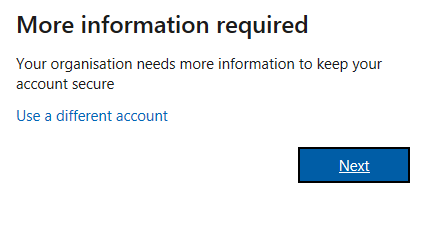
Help! I created a free teams organisation on my personal account and now getting this message.

jenallam Hello, if you open a InPrivate browser window and sign in here http://teams.microsoft.com/ with your Teams free account, what happens?
I'm trying to understand how you signed up (email addresses?) and how you've been working for the last couple of months. Would you mind describing this, please.
You most likely get the prompt as someone in your business org. has turned on MFA, multi-factor authentication.
 Claudyo_96May 29, 2020Copper Contributor
I have the same problem. I try to log in with desktop application with my personal email (I have a free account) and the problem is:
Request Id: 21601325-89c6-4ae5-af4d-4829263f4400
Correlation Id: cb41c64e-e49d-4790-a7bd-1b9071ed02a1Timestamp: 2020-05-29T13:29:16.242Z
I tried with browser (Google Chrome) and at the first time after log in I saw a white page with on up-left wrote "Bad Request". During the second try it works.
The app currently doesn't work. Thank you for help.