Forum Discussion

forcedLightning
Mar 05, 2020Copper Contributor
Disable tabs creation for users
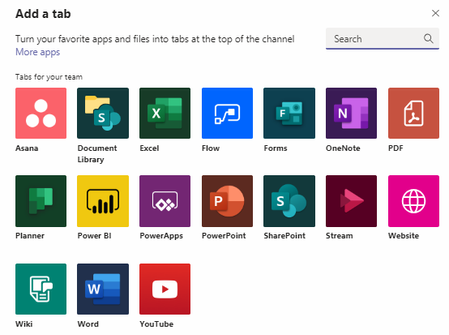
Hello all, My organization is looking for a way to help ease in the use of Teams. In an effort to prevent users creating their own little mini-systems that are not sanctioned, we would like a way...
 Mar 05, 2020
If I understood your question correctly, you can control this by going to the ellipsis next to the team name and choose Manage Team. On this page select Settings, then scroll to Member Permissions. Here you can control what your Team members can and cannot do in your Teams and the Channels of that Team. This does not apply to Team Owners. In the sample image I have attached all the Member Permission are unselected, meaning any members of this Team will not be able to create a channel, add apps, create tabs in channels, etc.
Team Name > Ellipsis > Manage Team > Settings > Member Permissions


Jenny8675
Mar 09, 2020Brass Contributor
In the Temas Admin Center, I created a second Policy for apps. You can assign different policies per user. I have a few employees that need to access certain third-party apps. I created a policy and added particular apps to the "allowed list". Then go to the user and edit the app policy to the one created.