Forum Discussion

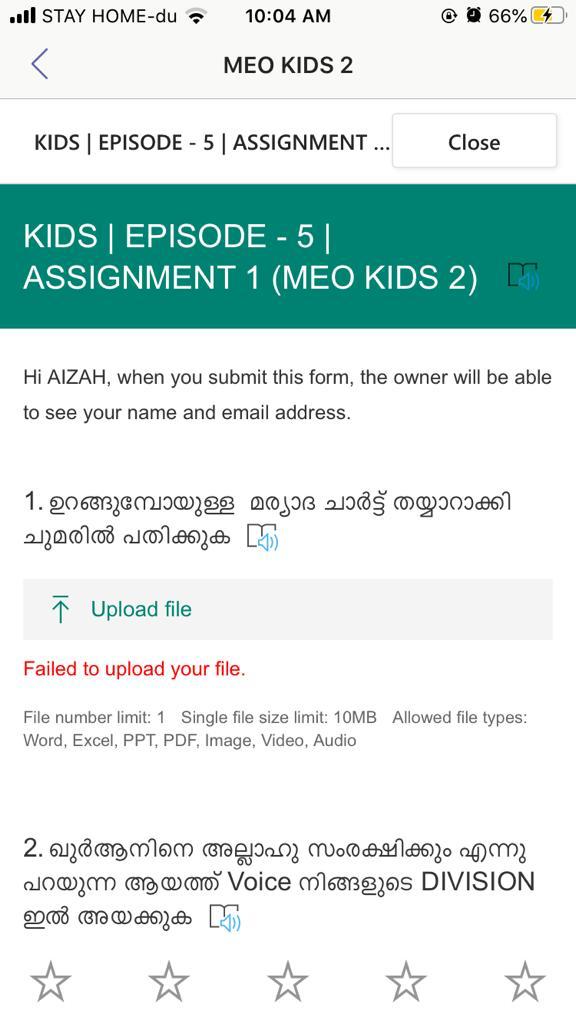
Failed to upload your file error coming on and off
Hi,
We are using Microsoft teams for education for our organization and everything works well except when the student tries to fill in forms during assignment,
we have around 4 groups each having around 200 students - When we try to create an assignment - Quiz - and create a form with a question to file upload option , sometimes the form works perfectly and students can upload files responding to the question.
However at random times the forms created will not allow file upload and show the message- Failed to upload your file.
Any solution to this ?
5 Replies
 IdsMowCopper Contributor
Had the same issue, wasn't willing to recreate the upload field. TL;DR click on the copy button for the send and collect responses link. It seems to set up the permissions that grant access (as long as they have not been fully removed in sharepoint).
Had the same issue, looks like when an upload field is added a new folder ([SharePoint]/Shared Documents/Apps/Microsoft Forms/[name of form or 'Untitled', will have a 'star' on the right corner of the folder name to denote the folder being new]/[name of question or 'Question'] with a SharePoint group with the handy (but system only generated permission of 'Submit Files').
Then when you land on the form (it controlling access re your sharing preference) it adds the user to both the SharePoint as a user but also too the 'Submits Files' permission group for the folder in question.
The thinking being that some kind of disconnection happens between the form and the SharePoint so a user doesn't get added to the 'Submits Files' permission group. The act of copying the link seems like it might be a trigger for setting that up.
To check if a form upload is still usable right click and manage access on the folder that collects the files then look for the form exclusive sharing link for adding files.
To see the permission groups continue by clicking advanced, then show users. This will give you a few groups, look for the one with 'Submits Files'. Then click on the name to view. You can't add users to this group but anyone who is listed should be able to use the form correctly. Using the 'Check Permissions' and looking up a user will list what they can do in the folder.
 luismi77Tin Contributor
Dear Colleagues:
I've create a video to help solving this error. You can access it in https://youtu.be/B2hJP-1yCyI
Although it is in Portuguese, you can add the subtitles. Please check if it solves your problem and send me your feedback.
Also you can check other videos in https://bit.ly/2XQTCkqBest regards
 erikahopeCopper Contributor
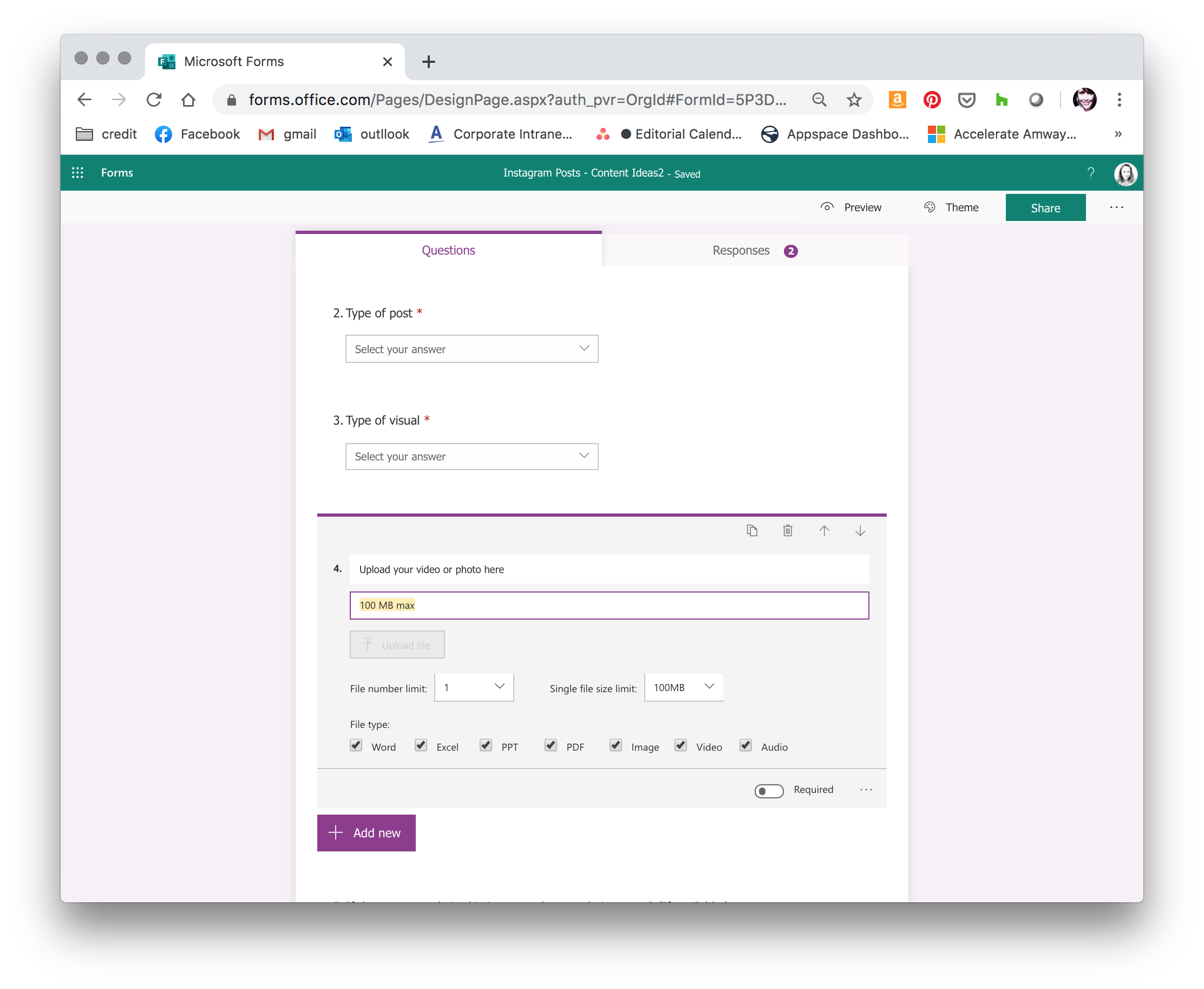
meo_students did you check on your form for the maximum file size? The default appears to be 10 MG. I changed it to 100 after I got an error the first time. Unless you're asking for large videos.
 Amer_TailakhCopper Contributor
Did you solve it ?
 GreenfieltCopper Contributor
We are experiencing the same problem.