Forum Discussion

QuickAssist Error 1002 - can we no longer run this as a non-admin user on windows 11?
We are heavily reliant on QuickAssist to support our staff.
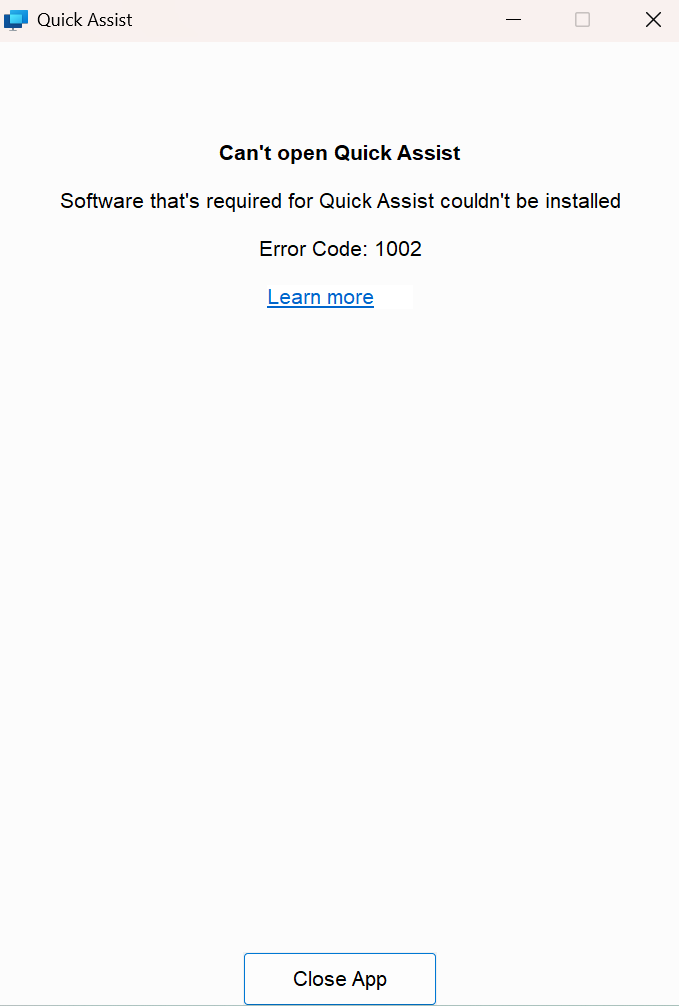
We seem to have a permanant QuickAssist 1002 error on our windows 11 intune manged devices.
https://ibb.co/63XTSg7
https://ibb.co/Fq5n0ffM
https://ibb.co/LDN6NTC2
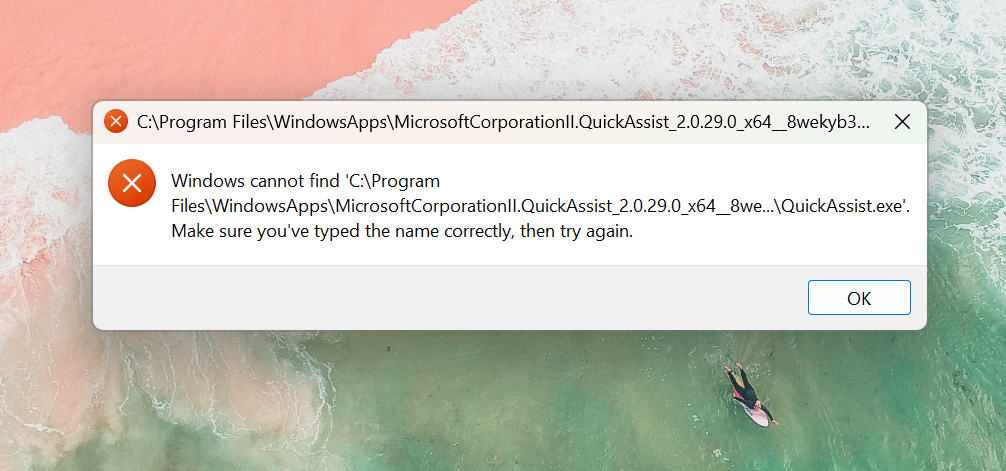
Some time ago QuickAssist moved from C:\windows\system32 to C:\Program Files\WindowsApps\
Which is a folder restricted to trusted installer. So the app was heavily changed and probably due to it moving to the store. I think its this fundamental change that is causing the pain for us.
Regular non local admin users cannot run it. It just fails out with error 1002. This was at first just affecting a few machines. It seems however it now affects all.
As a test I removed a load of policies from a test device just in case the Edge policy or something was affecting it. Still shows the same error.
I decided to try go down the LAPS route. Setup a local admin on the device 'lapsadmin'.
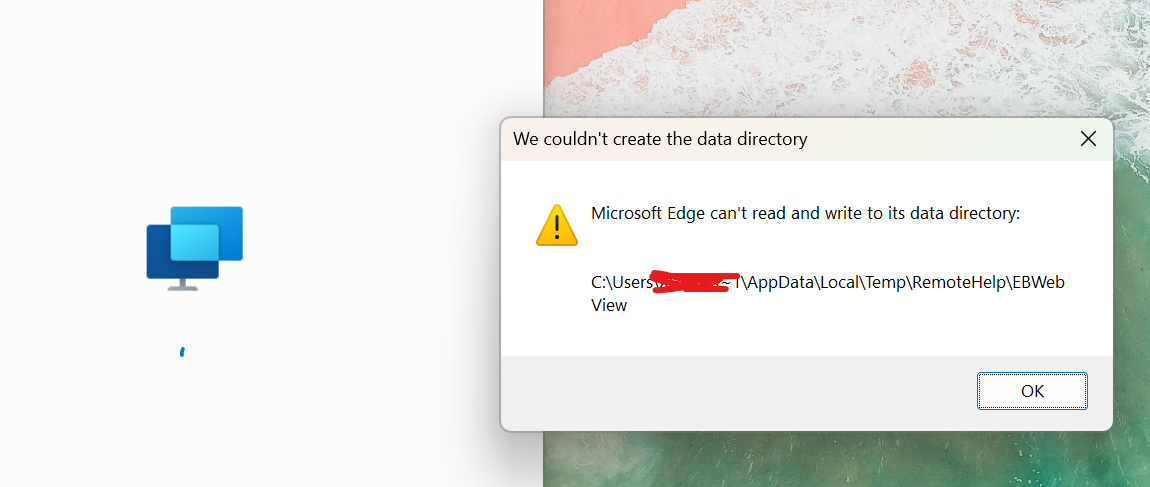
When running it with that it fails out saying EDGE cannot create the files.
After alot of testing and reading up online of other users fixes it seems to be that this program will not really work correctly anymore unless its run as an admin on an local admin logged in account.
Anyone have any smart ways to get around this?
Just to clarify -
we cannot run as .\lapsadmin (a local admin account on the device)
we cannot run it as a regular user
we cannot run it unless the user logged in is a local admin
(which is no good from a security perspective)
Thanks!
6 Replies
 chris_zhCopper Contributor
Miracles still happen. After almost two months, Microsoft finally managed to fix the problem with update KB5058499, which was rolled out at the end of May 2025. I hope it stays that way.
- chris_zhCopper Contributor
It will likely take some time to resolve the issue:
https://blogs.windows.com/windows-insider/2025/04/25/announcing-windows-11-insider-preview-build-26120-3941-beta-channel/
See the "Other" section for information about this 1002 error for non-administrators in the upcoming update KB5055634.
 THECCCCopper Contributor
So the problem is with Microsoft Edge WebView2.
If you manually kill all the processes for it in task manager, delete it from program files, clean 2 registry entries and reinstall the latest version ,it also puts some of the files in user profile app data and then in magically works. Does not have this issues if you are admin on computer, but if you are a standart user then this is the only way to make it work. :D
so well done by Microsoft for loving the IT guys who need to apply this fix manually. MonkeyNutCharlieCopper Contributor
Thanks for your insight here. I focused on refreshing EdgeWebView2 with the 'evergreen installer'
https://developer.microsoft.com/en-gb/microsoft-edge/webview2?form=MA13LH#download
This seemed to work on one of the devices. On the rest it didn't.
Can you confirm which regkeys and which edgeview folders you deleted?
Thankyou!- chris_zhCopper Contributor
I got QuickAssist working once, but I can't remember exactly what caused it. After a reboot, however, the problem returned. I also created a new user account with standard permissions. QuickAssist worked there, too, but only until the next reboot.
- chris_zhCopper Contributor
Thank you for sharing your solution.
I spent two hours in a chat with Microsoft-Support, but as expected no solution.
I tried the steps you mentioned, but don't get it to work.
Which two reg-keys exactly did you clean?