Forum Discussion

QuickAssist Error 1002 - can we no longer run this as a non-admin user on windows 11?
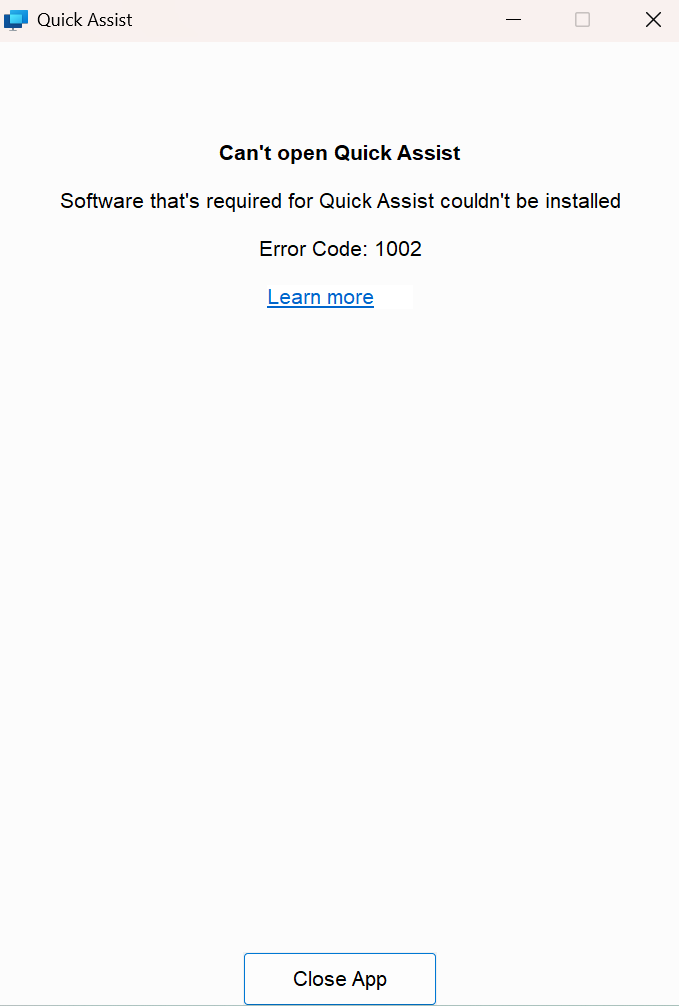
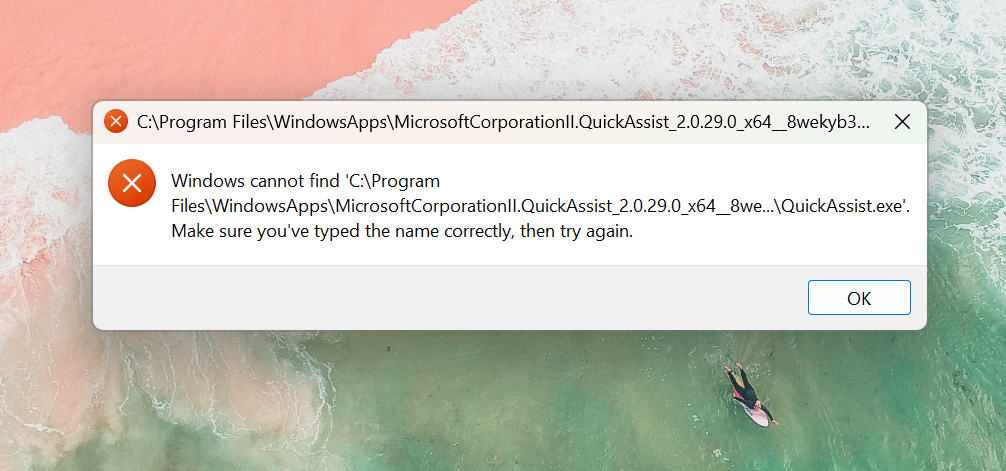
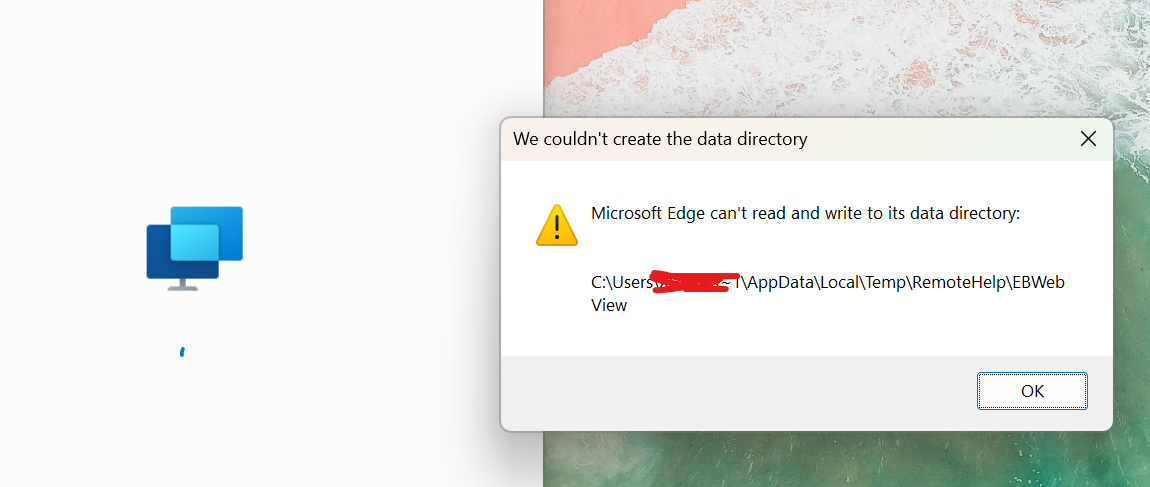

So the problem is with Microsoft Edge WebView2.
If you manually kill all the processes for it in task manager, delete it from program files, clean 2 registry entries and reinstall the latest version ,it also puts some of the files in user profile app data and then in magically works. Does not have this issues if you are admin on computer, but if you are a standart user then this is the only way to make it work. :D
so well done by Microsoft for loving the IT guys who need to apply this fix manually.

Thanks for your insight here. I focused on refreshing EdgeWebView2 with the 'evergreen installer'
https://developer.microsoft.com/en-gb/microsoft-edge/webview2?form=MA13LH#download
This seemed to work on one of the devices. On the rest it didn't.
Can you confirm which regkeys and which edgeview folders you deleted?
Thankyou!