Forum Discussion

MonkeyNutCharlie
Apr 07, 2025Copper Contributor
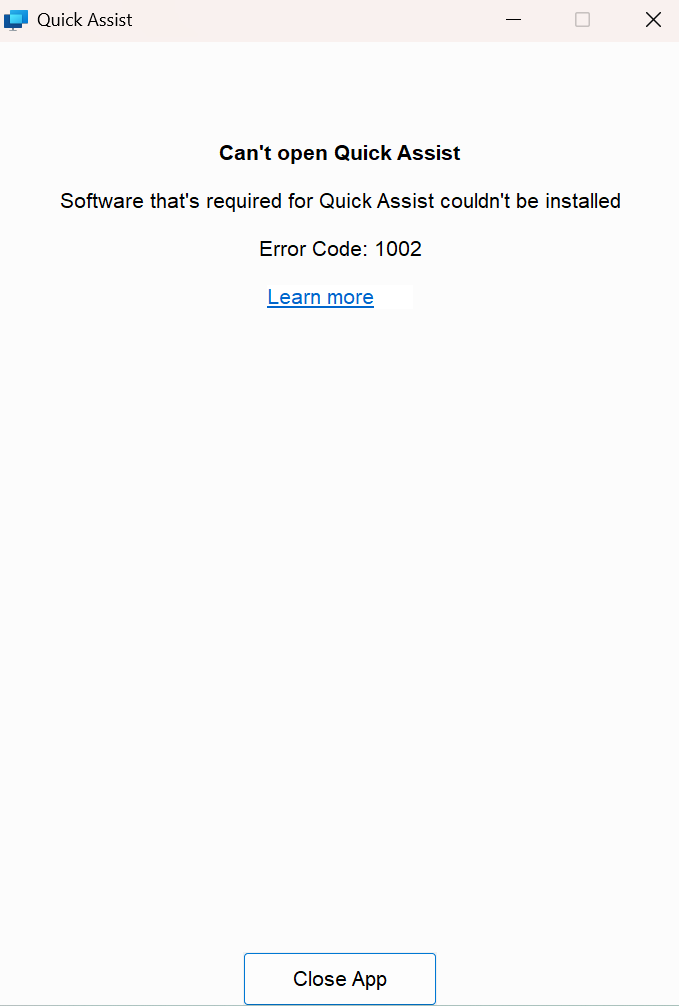
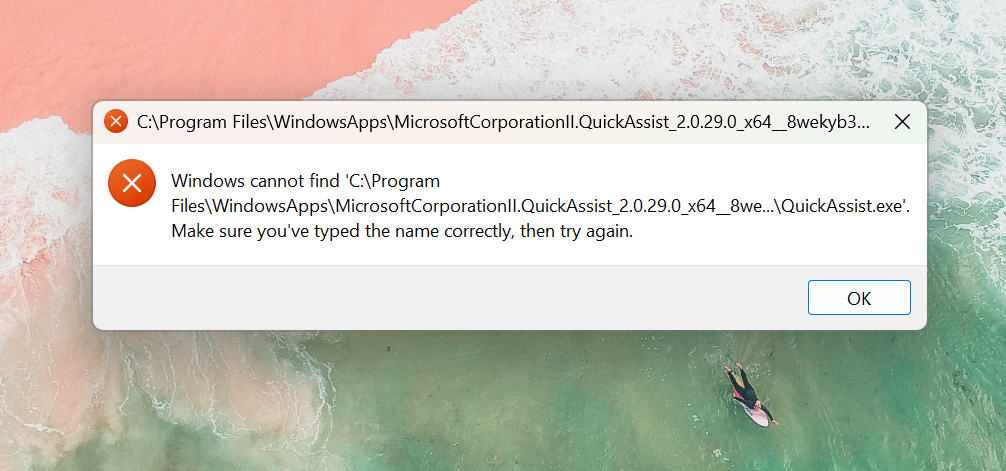
QuickAssist Error 1002 - can we no longer run this as a non-admin user on windows 11?
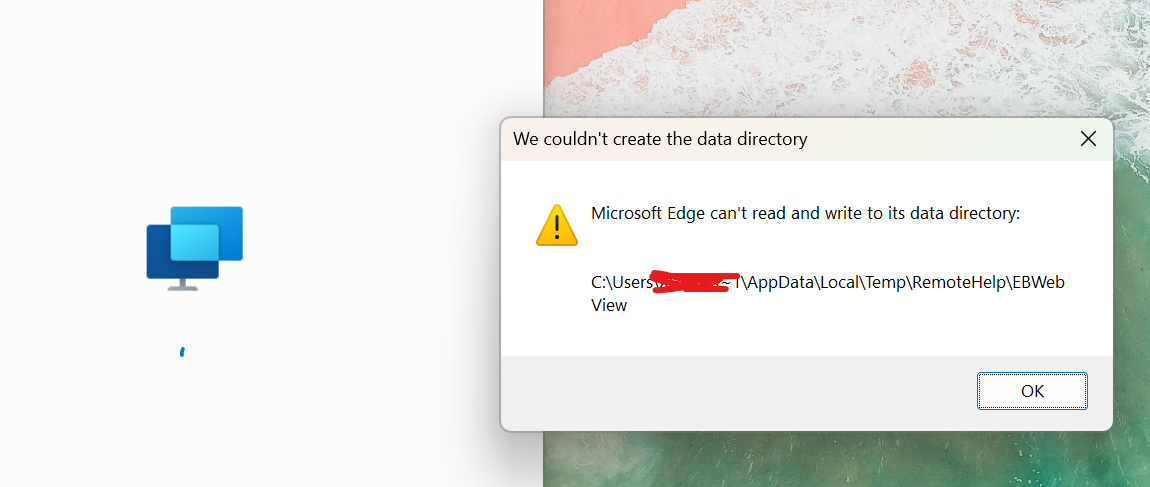
We are heavily reliant on QuickAssist to support our staff. We seem to have a permanant QuickAssist 1002 error on our windows 11 intune manged devices. https://ibb.co/63XTSg7 https://ibb.co/Fq5n0f...

THECCC
Apr 10, 2025Copper Contributor
So the problem is with Microsoft Edge WebView2.
If you manually kill all the processes for it in task manager, delete it from program files, clean 2 registry entries and reinstall the latest version ,it also puts some of the files in user profile app data and then in magically works. Does not have this issues if you are admin on computer, but if you are a standart user then this is the only way to make it work. :D
so well done by Microsoft for loving the IT guys who need to apply this fix manually.

chris_zh
Apr 14, 2025Copper Contributor
Thank you for sharing your solution.
I spent two hours in a chat with Microsoft-Support, but as expected no solution.
I tried the steps you mentioned, but don't get it to work.
Which two reg-keys exactly did you clean?