Forum Discussion

Anna Procházková
Aug 09, 2017Brass Contributor
Office 365 user account validation - possibility to turning off
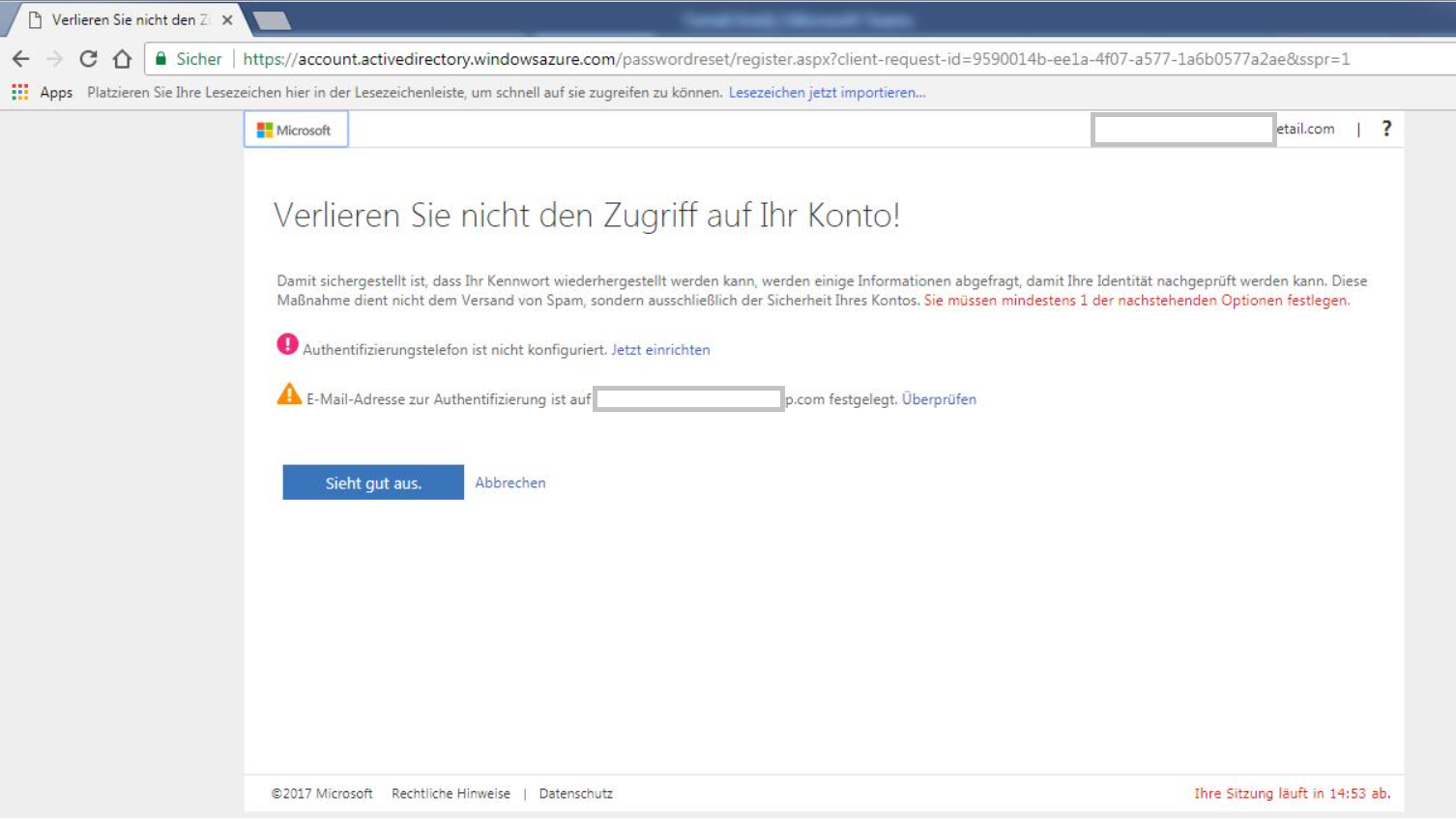
Hi, some of my users in test tenant for customer experience the need to validate their accounts with phone number (sorry for the printscreen in German). They want to turn the feature off. I ...
- Aug 10, 2017
Apart from the MFA settings, you need to disable SSPR from the Azure portal -> Azure AD -> Password Reset -> Properties -> choose None under Self Service Password Reset Enabled.
More info here: https://docs.microsoft.com/en-us/azure/active-directory/active-directory-passwords-getting-started

Anna Procházková
Aug 09, 2017Brass Contributor
Thanks for the information. How can I turn it off for the normal users?
I can't find the settings for turning off in the admin portal Office 365.
I can't find the settings for turning off in the admin portal Office 365.

VasilMichev
Aug 10, 2017MVP
Apart from the MFA settings, you need to disable SSPR from the Azure portal -> Azure AD -> Password Reset -> Properties -> choose None under Self Service Password Reset Enabled.
More info here: https://docs.microsoft.com/en-us/azure/active-directory/active-directory-passwords-getting-started
- Anna ProcházkováAug 14, 2017Brass Contributor
Thanks! It seems to be working.