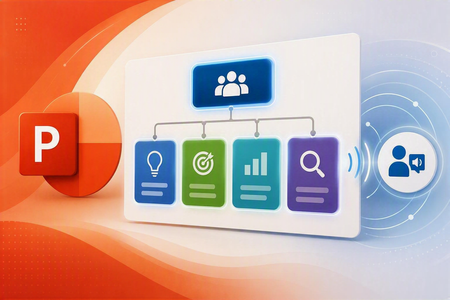
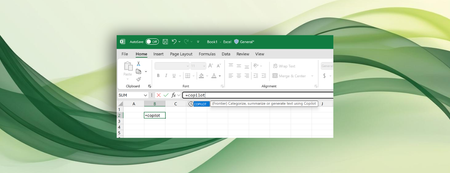
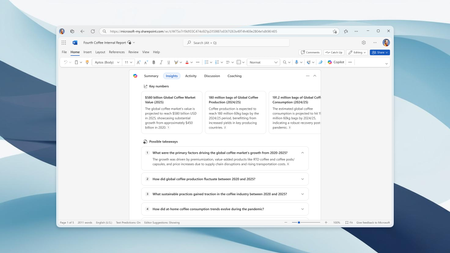
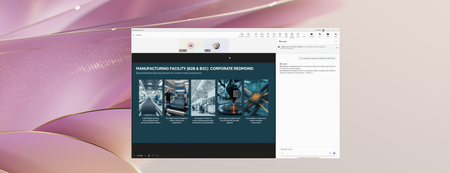
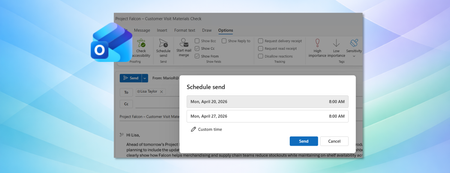
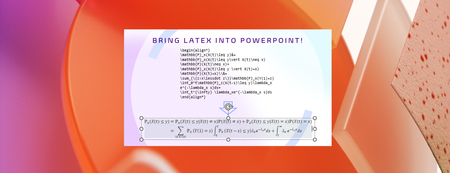
Most RecentNewest TopicsMost LikesMost ViewedGoodbye Together mode, hello simplified meeting layouts in Microsoft Teams Beginning June 30 th , the Together mode experience in Microsoft Teams will no longer be available. Shaping Copilot across Word, Excel, and PowerPoint Learn about updates we're making based on your feedback to give you more control over how Copilot appears in your favorite apps. SmartArt is becoming more accessible in PowerPoint With this update, PowerPoint can now generate meaningful accessibility descriptions for SmartArt automatically. Bring AI to your formulas with the COPILOT function in Excel Enter a natural language prompt in your spreadsheet, reference cell values as needed, and watch Copilot instantly generate AI-powered results. More insights from Microsoft 365 Copilot in Word’s document summary Enterprise customers will soon get key insights, activity and comment highlights, and content suggestions in Word for Windows, for Mac, and for the web. A more efficient way to access email and meeting information with Narrator Narrator gives you faster and easier access to essential email and meeting details in Outlook. Stay in sync in PowerPoint Live Learn about two new features that help presenters and audiences stay aligned during live presentations. New microphone volume indicator in Teams Get real-time visual feedback on your audio levels with a Mic indicator that moves when you speak. Stay productive in new Outlook for Windows with these 5 features Pin, Snooze, Sweep, and more features can help you organize your inbox and work more efficiently. From LaTeX to accessible PDFs: Transforming math workflows in Microsoft 365 It's easier than ever to bring your LaTeX into Word, PowerPoint, Excel, and OneNote, and MathML Core is now available on the clipboard.