translation
105 Topics
Microsoft Teams transcription language settings
Hi! With a Microsoft 365 Business Premium license and a Copilot license, I can use transcription during a Teams meeting by setting the spoken language to Auto Detect. However, the transcription is sometimes inaccurate. Is there a way to limit the language detection scope? For example, is it possible that I select only English and Chinese, and Auto Detect is restricted to those two languages instead of also attempting to detect languages such as Spanish or French ?19Views0likes1CommentMicrosoft Teams Consecutive Interpretation Explained (NEW Copilot Feature for Multilingual Meetings)
🚀 New in Microsoft Teams: Consecutive Interpretation (powered by Copilot) Microsoft Teams just introduced consecutive interpretation, a new way to run multilingual meetings that feels far more natural than real-time translation. 🎧 Instead of translating while someone is speaking, Teams now: Lets one person speak Translates after they finish Enables real, turn‑by‑turn conversation In my latest video, I explain: • What consecutive interpretation is How it differs from real-time (simultaneous) interpretation When to use one vs the other Why this matters for international teams 👉 Watch the video here: https://youtu.be/u-fH_00nFuU #MicrosoftTeams #Microsoft365 #Copilot #AIatWork #MultilingualMeetings #FutureOfWork388Views0likes0Comments
Link URL to Team Channel
Hello all, I'm trying to link a URL from a fillable PDF to a "Teams Channel". If I plug in the following URL, it works great (it links the user directly to a personal Teams Chat). However, rather than link the user to Chat channel, I want the user to be linked directly to a general Teams Channel. (I hope this makes sense). Is any of this possible? https://teams.microsoft.com/l/chat/0/0?users=XXX@XXX.com&topicName=Completed-training&message=TrainingTraining Complete:Solved116KViews1like7Comments
Multi-Language Closed Captions in Webinars?
Hi community! Here is an interesting one. We are planning to use Microsoft Teams' webinar functionality for our upcoming events. Are translated captions a thing? Can we hold a webinar in English and have Teams generate closed captions in Spanish, for example? The latest interpreter features really have my hopes up for this one64Views1like0Comments
Enable mic option in custom teams app
I have a copilot studio agent created using copilot studio. I want to upload this app and use in teams. How ever i need the mic button feature which is by default available in microsoft teams copilot app. So when user clicks this mic button the audio user speaks is automatically converted to text in message box. Is this possible to have a similar feature in custom app pointing to a copilot studio agent?185Views0likes0Comments
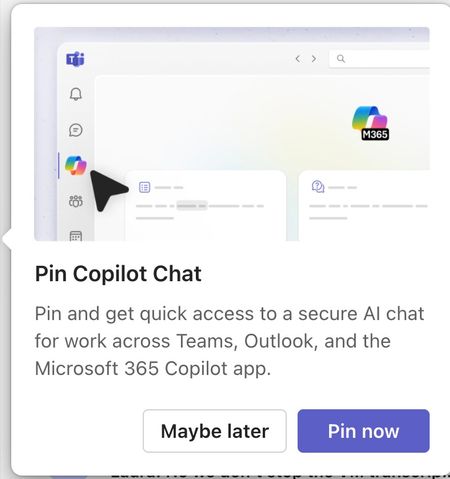
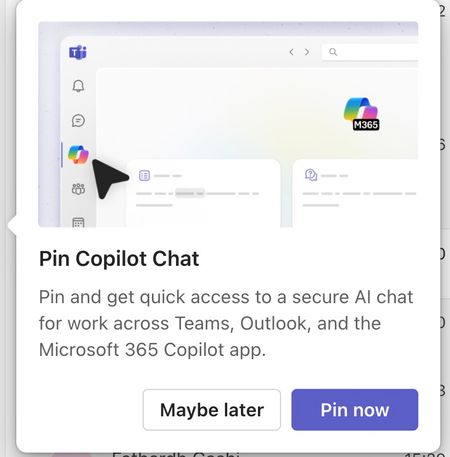
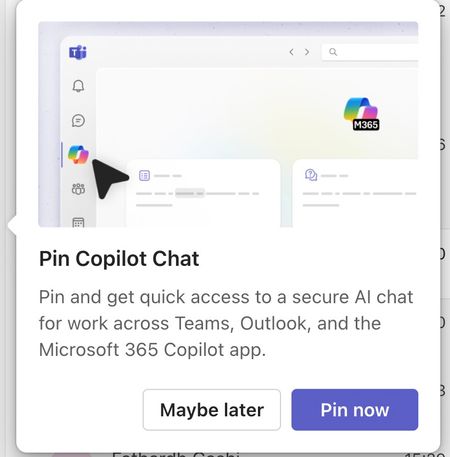
Please tell me how to disable the Pin Copilot message
Morning! I wrote a message yesterday but nobody replied, so here's another one so it doesn't get lost Can somebody tell me how to disable the annoying "Pin Copilot Chat" popup? every morning I have to say "Maybe Later" when I really mean to say NEVER IN A THOUSAND YEARS473Views0likes1Comment
MTRoW devices set in Catalan language show some screens in Arabic
On Microsoft Teams Rooms on Windows devices setup in Catalan language, all setup, and settings screens are showing up in Arabic, while user-facing screens are showing up in Catalan, as they should. I have tried relaunching the Powershell commands to set MTR's language according to Windows' language as described here: https://support.lenovo.com/us/en/solutions/ht513022-how-to-change-the-language-displayed-in-microsoft-teams-rooms-mtr , but nothing changes. I have seen this problem in several machines in several organizations, mostly Lenovo's ThinkSmart Cores, but I have also seen it with Yealink's MCores. Has anyone encountered anything like this? It seems like a bug in the MTR app's translation. How can I report it?119Views0likes1Comment