microsoft 365
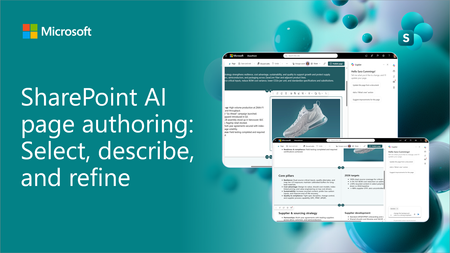
41 TopicsSharePoint AI page authoring: Select, describe, and refine
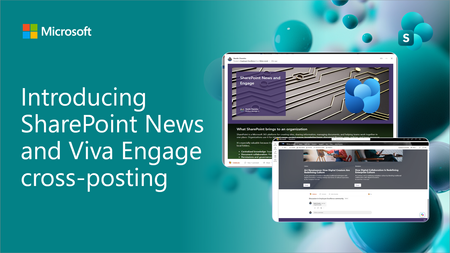
SharePoint AI page authoring is getting an updated experience with on-canvas selection. Authors can select a web part or section, describe the intended change in natural language, and review the results directly on the page. See the updated experience in action and learn how it makes page editing faster and more intuitive for both new and experienced authors.2.9KViews1like3CommentsIntroducing SharePoint News and Viva Engage cross-posting
SharePoint News can now be cross-posted directly to a Viva Engage storyline or community. The original post retains its full SharePoint experience, while comments, replies, and reactions stay synchronized across both platforms.4.6KViews13likes26CommentsSharePoint Showcase: 5 Ways Organizations Improve Business Processes with Copilot in SharePoint
AI becomes most impactful when it helps with the work teams already do every day. The challenge is rarely a lack of information. It is turning trusted information into a clear, repeatable process without starting from scratch each time. That is where Copilot in SharePoint can help. It works with the content and structure already in SharePoint, including sites, pages, lists, libraries, and files. Teams can ask questions, compare and summarize content, organize information, create outputs, and turn repeatable multi-step processes into reusable skills. The examples below are based on real customer scenarios from organizations exploring Copilot in SharePoint. To protect customer confidentiality, organization names and identifying details have been generalized. What matters is the pattern: start with trusted SharePoint content, define the work that needs to happen, keep people in control, and make the process easier to repeat.2.5KViews1like0CommentsSharePoint Showcase: 10 Custom AI Skills Every SharePoint Site Owner Should Build
In this edition of SharePoint Showcase, we explore how skills work, how to create or install them, and ten practical examples to help SharePoint site owners get started. These examples are not an exhaustive list, but a curated starting point for identifying everyday processes that can become reusable, team-ready skills.10KViews4likes2CommentsStreamlining business processes with Microsoft 365 - ShareCloud - SharePoint Partner Spotlight
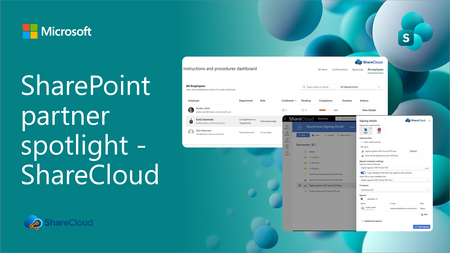
Discover how ShareCloud extends SharePoint and Microsoft 365 into practical business applications for secure e-signing, instructions management, HR processes, and everyday operational efficiency.952Views0likes1CommentSharePoint Showcase: How Microsoft uses Copilot in SharePoint, and how you can get started
For this month's SharePoint showcase, we're zooming in on AI skills in Sharepoint and real Microsoft use cases for Copilot in SharePoint. We're also introducing a new "Product Drops" standing section to recap all the new GA functionality across the platform each month. As always, would love to hear from you in the comments. Let's get into it!3.2KViews0likes1CommentProven intranet framework - Involv Intranet - SharePoint Partner Spotlight
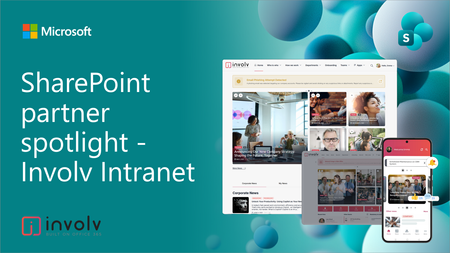
We’re excited to share a new episode in our partner showcase series focused on SharePoint in Microsoft 365. In this episode, we spotlight Involv Intranet and how it brings a modern intranet experience to life using the SharePoint Framework (SPFx).1.2KViews0likes0CommentsSolutions for document-centric business processes - Portal Systems - SharePoint Partner Spotlight
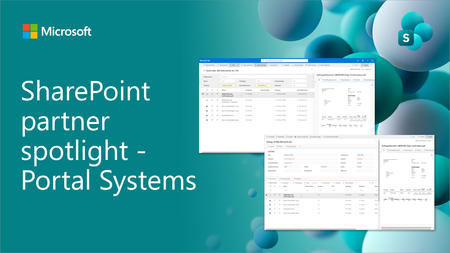
We are excited to share a new episode on our partner showcase series focused on SharePoint in Microsoft 365. In this post, we focus on Portal Systems which is providing document management solutions for Microsoft 365, built with SharePoint Framework (SPFx).1.1KViews1like0CommentsBuilding a modern digital workplace on Microsoft 365 - WebVine - SharePoint Partner Showcase
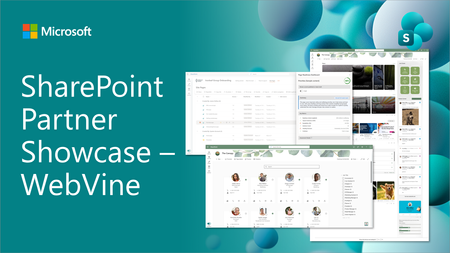
We are excited to share a new episode on our partner showcase series focused on SharePoint in Microsoft 365. In this post, we focus on WebVine which is providing intranet accelerator solution with streamlined document management capabilities with user interface implemented using SharePoint Framework (SPFx).1.1KViews1like0Comments