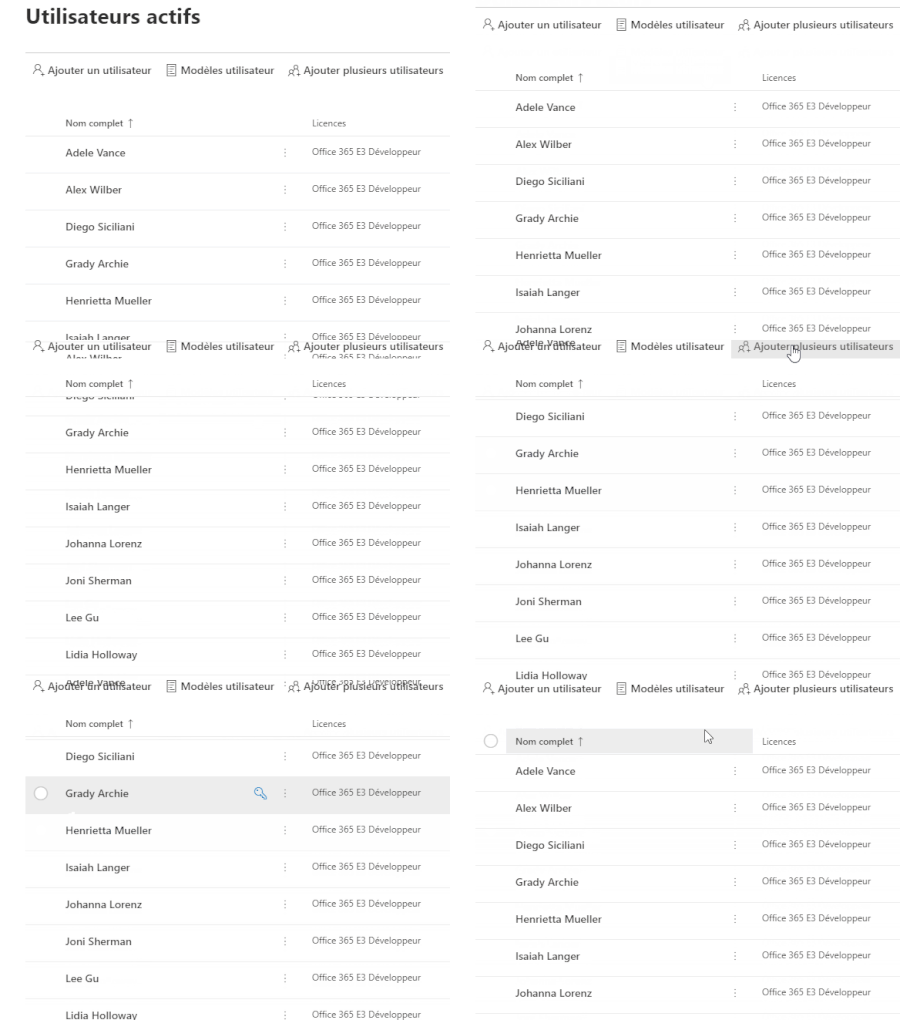
active users
21 Topics
Microsoft 365 admin center support
I am extremely disappointed with the customer support experience associated with Microsoft 365 Business. As a business customer, I expected a reliable support system. Unfortunately, the reality has been the opposite, and I feel compelled to caution others to carefully consider their options before committing their hard-earned money to a Microsoft 365 business subscription. After purchasing Microsoft Business licenses and transitioning my services from GoDaddy to Microsoft, I lost access to my global admin credentials. This should be a straightforward issue for support to resolve, yet it has turned into a prolonged and frustrating ordeal. For the past two weeks, I have been trying to obtain assistance without success. I contacted Microsoft support over ten days ago and received a ticket, with the assurance that someone would contact me within 24 hours. No one has reached out to me—not in 24 hours, and not in the ten days since. I attempted to escalate the issue, but even then, no meaningful support was provided. This level of customer service is unacceptable for any business solution, especially one that organizations rely on for critical operations. It is unreasonable to expect customers to run their businesses effectively without access to timely and competent support. At this point, I am requesting a refund for the service that has not been delivered, and I strongly urge Microsoft to address the shortcomings in its support system. The support I received from GoDaddy in the past was significantly better. I hope no other business has to experience this level of frustration, and I sincerely urge Microsoft to acknowledge and fix these issues.640Views2likes3Comments
How to Setup and Install Microsoft365.com/setup on Windows
Visit microsoft365.com/setup: Open your web browser and type in "microsoft365.com/setup" in the address bar. Press Enter to navigate to the official Microsoft 365 setup page. Sign In or Create Account: If you already have a Microsoft account, sign in using your credentials. If not, you'll need to create a Microsoft account by clicking on the "Create a new account" option and following the prompts. Enter Product Key: You will be prompted to enter the product key associated with your Microsoft 365 subscription. This key is typically found on the card or email you received when you purchased your subscription. Enter the key carefully and click "Next." Choose Install Option: Depending on your subscription and the type of device you're using, you'll be presented with different installation options. Choose between installing Microsoft 365 on your current device or other devices. Download and Install: Click on the "Install" or "Download" button, depending on the option you selected. The installation package will begin downloading. Run the Installer: Once the download is complete, locate the installation package (usually in your Downloads folder) and run the installer by double-clicking on it. Follow Installation Prompts: The installer will guide you through the installation process. You might need to review and accept the license agreement, choose the installation location, and customize installation settings. Sign In to Microsoft Account: After installation is complete, open any Microsoft 365 application (such as Word or Excel). You will be prompted to sign in with your Microsoft account. Use the same account you used to set up Microsoft 365. Activation: The application will automatically activate itself using the product key you entered earlier during the setup process. Start Using Microsoft 365: Once activated, you're all set! You can now start using the Microsoft 365 suite of applications and services.583Views1like2Comments
Unable to access Office 365 admin account
Hi Team, I am the administrator of the domain of my organization xyz0.onmicrosoft.com. Unfortunately, I am currently unable to access it because I lost my phone, and I no longer have the Authenticator app. Additionally, I do not have a mobile number, or a recovery email associated with my account, making it challenging to regain access to my portal. On a positive note, I do have a personal account with the same email address, which I can access. I also remember the password for my business admin account. However, due to the loss of my mobile phone and the Authenticator app, I am unable to login as I don't have 2FA code. I urgently need your assistance because I need to migrate all my Rackspace emails to Microsoft. Please let me know what information or verification I require to confirm that I am the administrator of this account.. Thanks for your help.4.2KViews1like4Comments