Forum Discussion

Office Add-ins error: Cannot connect to catalog
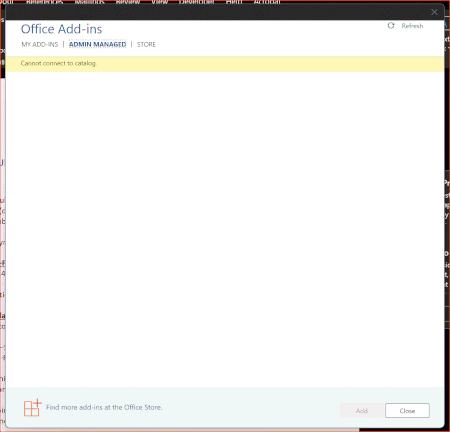
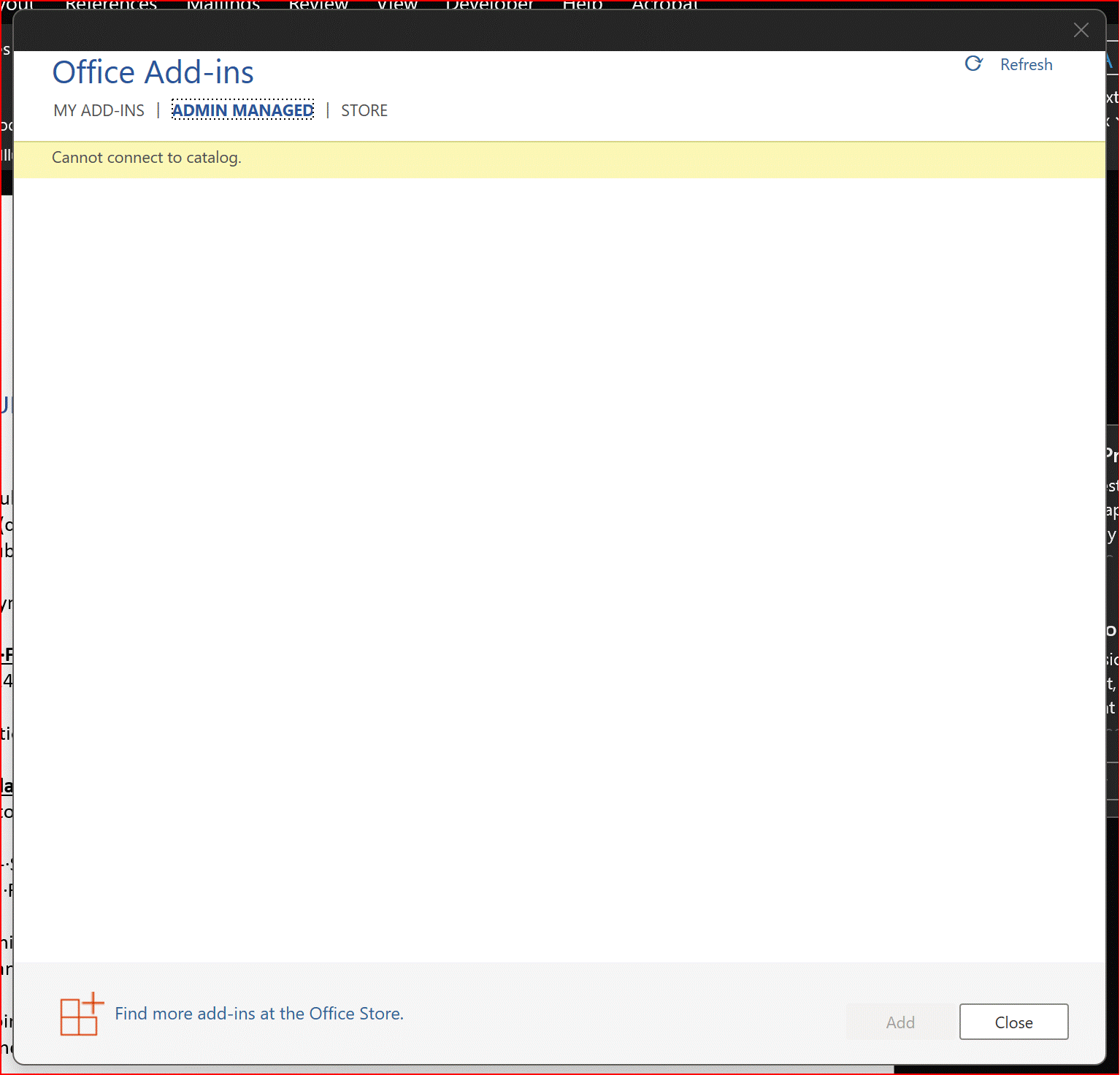

MTSBob: We sorted this out today.
- When we were initially manually configuring "Block Web Add-ins" (DisableAllCatalogs) and "Block Office Add-ins" (DisableOMEXCatalogs), we were setting it in HKEY_CURRENT_USER\Software\Microsoft\Office\16.0\WEF\TrustedCatalogs.
- When you configure those two settings in policy (User \ Administrative Templates \ Microsoft Office 2016 \ Security Settings \ Trusts Center \ Trusted Catalogs), it gets written to HKEY_CURRENT_USER\Software\Policies\Microsoft\Office\16.0\WEF\TrustedCatalogs.
- Because we need to target this particular Office Add-in to a subset of users, we cannot rely on setting the Trusted Catalog Location policy items so we leveraged registry preferences in order to make use of https://docs.microsoft.com/en-us/previous-versions/windows/it-pro/windows-server-2012-r2-and-2012/dn789189(v=ws.11).
When we dropped those keys we matched our initial test configuration which was to write the Office Add-in settings to to HKEY_CURRENT_USER\Software\Microsoft\Office\16.0\WEF\TrustedCatalogs. Turns out that gets ignored or overridden when something is set at the HKEY_CURRENT_USER\Software\Policies\Microsoft\Office\16.0\WEF\TrustedCatalogs level. - Once we realized this behavior we corrected the discrepancy and decided to rely solely on registry preferences, not policies, and the add-in started working again.
So we shot ourselves in the foot but it took us a while to realize it.

JuliusPIV Hi I have this problem in excel with an App that I can't use because it can't connect to the catalogue. It's on a stand-alone PC using Office 2019. The app is Log-Hub. I suspect it's the security on the PC but have no idea how to allow the app to connect to the catalogue.
Any ideas
- JuliusPIVAug 01, 2022Brass Contributor
Hey there SupplyChainGuru. Can you click 'See Details' and post a screenshot of what those details are?
 franzi_product_drivepointJul 15, 2025Copper Contributor
JuliusPIV I just read the entire thread and since we're facing this issue with some of our customers who have installed our Add-In from the Office Store, I'd love to understand if you're able to help us. The most common screenshot we have seen is "Cannot connect to Catalog Server." without "see details".
Any ideas on how to proceed?
We'd love your help!