Forum Discussion

Files on Demand randomly downloading and filling hard drives
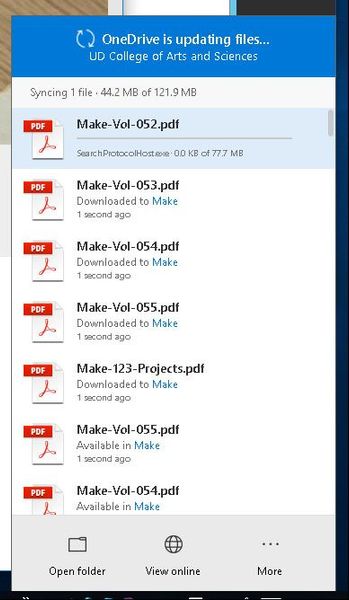

I have three customers with the same issue, and myself. One I found was a Dell optimization tool that had Antivirus built into it. Each time the antivirus touched the file on demand it would download it. I have a couple open tickets with MS, but nothing resolved yet.

Quite sure that the antivirus are not «files on demand» compatible. Quick out of my head I see 4 ways of fixing it. Number one and the best, use built in windows defender instead. Windows defender are now on of the best AV, had a bad rep for a while but totaly trustworthy know and free. Number 2, get a newer version of AV or another vendor. Number 3 exclude the path to the onedriver folders, this might be risky since the files will not be scanned regularary, but most AV would scan them while they are being downloaded and for sure when been runned. Number 4, select only necessary folders to be synced and keep everything downloaded