Forum Discussion

MacOS unable to share screen, Teams not listed under Screen Recording in settings
 Oct 20, 2020
whitmarshdaniel I kind of got a workaround/fix for the time being. This is what I did.
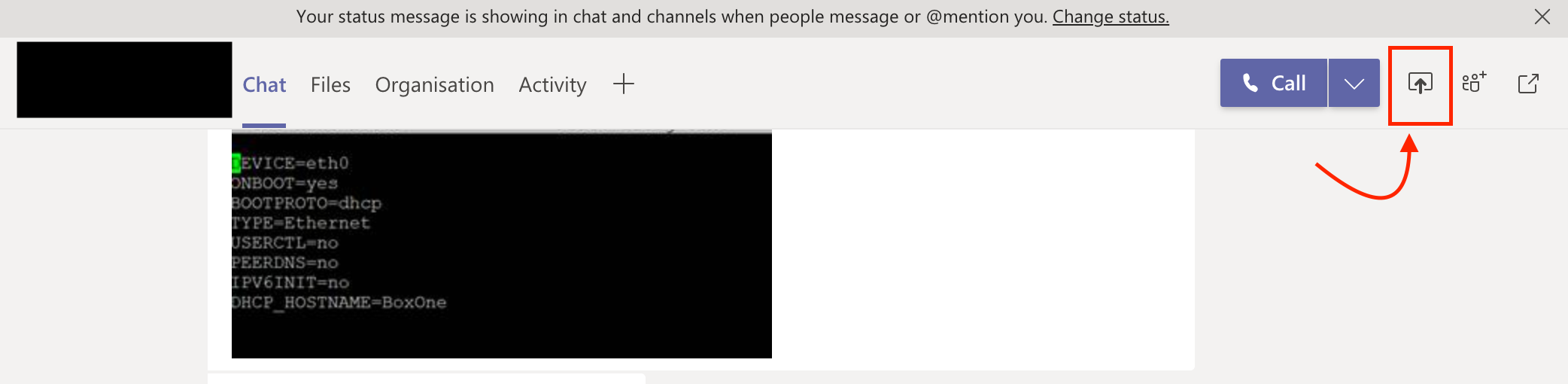
Rather than trying to share the screen from the call/meeting (which obviously gave me the warning and opening of the "Security & Privacy" setting didn't show Teams in Screen Recording" - I tried sharing the screen from the chat window of the same call and it opened a dialog box asking whether I need to deny or allow "Teams from sharing the screen. From there I opened the "Security & Privacy" -> Screen Recording and there it was - "Teams" and selected "Teams"
I attached a screenshot.
PS: Additionally I earlier did add "Teams" to accessibility and not sure whether that helped too.
WheelsBAI THIS IS FOR ANYNE HAVING THIS ISSUE ON MAC - QUICK FIX AS STILL AN ISSUE FOR SOME |USERS EVEN NOW - Create a new user account, ensure Teams is fully quite, fast user swap DO NOT LOG OUT, open Teams, sign in using the same credentials, open calendar with Teams, click meet now, join your empty meeting, turn video/audio/camera/mic on, attempt to share screen, click the security preferences message, unlock the padlock, tick the now visible box in the screen recording sections for Teams, confirm it works, log out the user account, log back into you user account, open Teams and it works. The choice/selection is retained from the previous user account. This normally indicates you have a damaged user/preference file somewhere in the user Library of your account and/or you have another app interfering like ones used to allow SYSTEM audio (black hole) to be heard/layed directly in Teams for Mac which you cannot do directly in Mac and only Windows.
 itskreddyApr 15, 2021Copper ContributorThis actually worked like a charm....