Forum Discussion

MacOS unable to share screen, Teams not listed under Screen Recording in settings
 Oct 20, 2020
whitmarshdaniel I kind of got a workaround/fix for the time being. This is what I did.
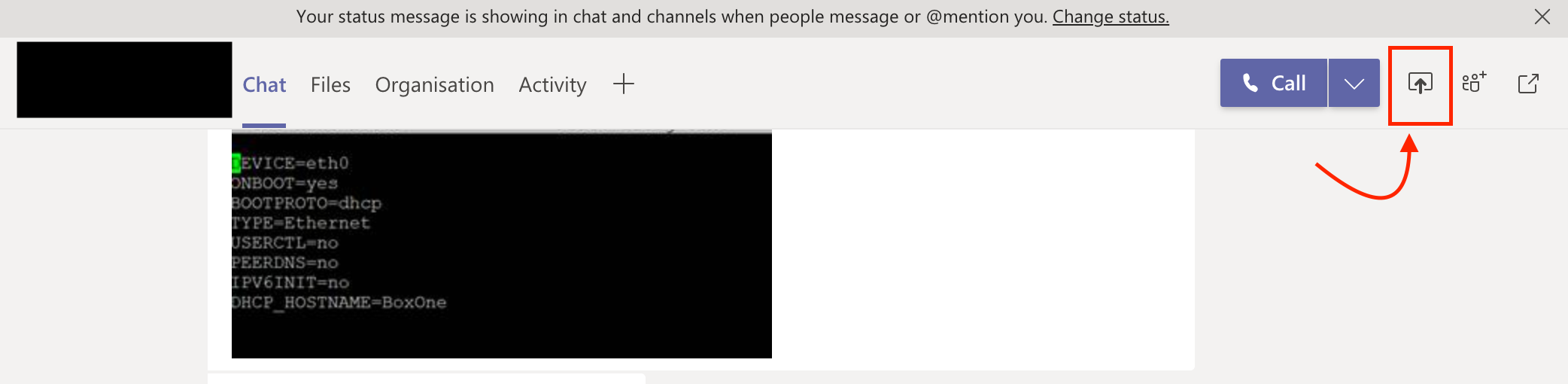
Rather than trying to share the screen from the call/meeting (which obviously gave me the warning and opening of the "Security & Privacy" setting didn't show Teams in Screen Recording" - I tried sharing the screen from the chat window of the same call and it opened a dialog box asking whether I need to deny or allow "Teams from sharing the screen. From there I opened the "Security & Privacy" -> Screen Recording and there it was - "Teams" and selected "Teams"
I attached a screenshot.
PS: Additionally I earlier did add "Teams" to accessibility and not sure whether that helped too.

I am running 10.14 so I am not quite seeing the screen recording piece. I have had a similar issue where the cam and microphone were not working and I had to add the teams app to the accessibility portion from security and privacy. Wondering if your Mac is managed using an MDM and if the screen recording portion was protected by the MDM. Assuming these are the instructions you followed for 10.15
https://support.apple.com/guide/mac-help/change-privacy-preferences-on-mac-mh32356/10.15/mac/10.15 ??
Best,
Bp
 WheelsBAIApr 14, 2020Copper Contributor
Thanks, Bp.
I've just updated to version 1.3.00.8663 of Teams. The update re-triggered the request to the OS to enable Screen Recording. I'm up and running again.
Appreciate your help.
 AitjeJun 03, 2020Copper Contributor
WheelsBAI and all!
I have the exact same problem. I just don't see how I can get Teams listed in Screen-recording - PrivacyI have version 1.3.00.9271. No updates available.
Any -other- suggestions? Getting desperate here.
- gjsa73Aug 23, 2020Copper Contributor
Aitje Solving this involved these steps for me running macOS 10.15/Catalina:
1. Add Teams manually to the list of apps allowed to control your mac in:
Security & Privacy -> Accessibility
2. Then go to Security & Privacy -> Screen Recording and Teams will have appeared in that list for you with a tick box for you to allow screen sharing permission3. It will require Teams to restart for the permission to take affect
4. You can now remove Teams from Security & Privacy -> Accessibility if you wish