Forum Discussion

copy cell

=FILTER('[Master Label Maker - White Goods 2.0.xlsx]Data White Goods'!$A:$B,'[Master Label Maker - White Goods 2.0.xlsx]Data White Goods'!$A:$A=E1)

- beikmeFeb 23, 2021Brass Contributor
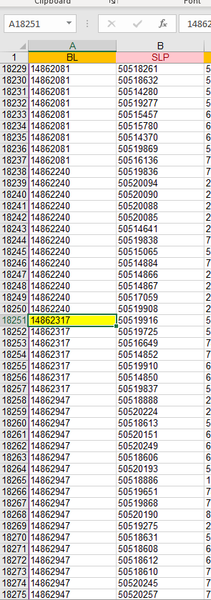
Currently i'm filtering betvine multiple rows
i would like to do it in just one row whit multiple criteria from E1,G1,I1
- mathetesFeb 23, 2021Gold Contributor
If I understand what you're saying, the formula would be this:
=FILTER(Sheet1!A:B,(Sheet1!A:A=Sheet2!E1)+(Sheet1!A:A=Sheet2!G1)+(Sheet1!A:A=Sheet2!I1))
The + sign between criteria effectively means match A:A with E1 OR G1 OR I1.
If you want to get sexy, here's the same formula using the new LET function.
=LET(
Srce,Sheet1!A:B,
MtSrce,Sheet1!A:A,
FILTER(Srce,(MtSrce=Sheet2!E1)+(MtSrce=Sheet2!G1)+(MtSrce=Sheet2!I1))
)
Here's what LET does; in effect it's saying
LET "Srce" stand in for Sheet1!A:B in the final formula
LET "MtSrce" stand in for Shhet1!A:A in the final formula
now do the final formula using those variables
And you could make the named variables there even shorter.