Forum Discussion

Why does a pop up appear when opening Storage in Windows 11 Settings?
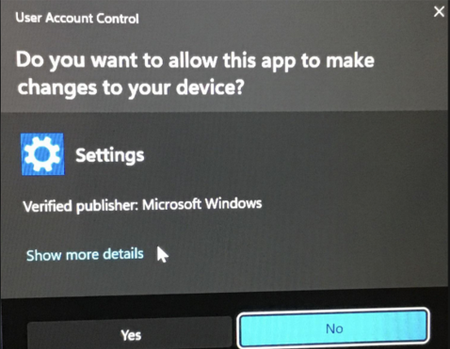

The screenshot shows a User Account Control consent prompt from the signed Windows Settings component, not a warning that the drive is damaged. UAC appears when an action requests administrator permission. Because Storage still opens after No, viewing the page itself does not require elevation; something invoked while it loads is requesting it.
Open Settings with Win+I, then choose System > Storage. If that route does not prompt, replace the shortcut you used. If it prompts every time, choose Show more details and record the program path, but do not approve an unexpected action. Install Windows updates, restart, and retest. If it persists, open Terminal as administrator and run DISM.exe /Online /Cleanup-Image /RestoreHealth, followed by sfc /scannow, then restart. Do not disable UAC. Clicking No safely denies the elevated action. On a managed PC, ask the administrator whether policy or management software is triggering it.