Forum Discussion

The KB5124010 File History backup issue persists Unresolved issue from KB5101684
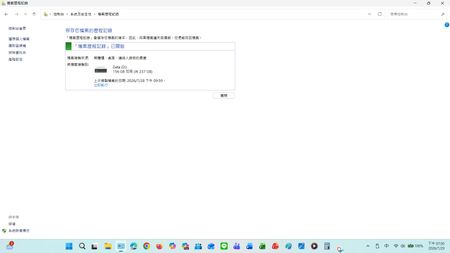

I received this update: 2026-09 Preview Update (KB5124010) (26200.9550)
After I installed it the problem was fixed and is now working as it did before.
 sheratonOct 04, 2026Iron Contributor
Glad to hear it worked for you! Unfortunately, you seem to be among the lucky ones.
Numerous reports from Windows Latest, Japanese tech communities, Microsoft Community Hub, and multiple Feedback Hub tickets (aka.ms/AA13n22w, aka.ms/AA13n2f3) show that while KB5124010 fixed the connection error, the File History timestamp mismatch and missing "Previous Versions" bug are still actively broken for many of us on both Win 10 and Win 11. The issue is definitely not fully resolved globally yet.
- sheratonOct 04, 2026Iron Contributor
Why is it that after the recent KB5124010 update, "File History" can find and run backup drives, but the last copy date of the files remains unchanged, allowing backups of any new files?
Other people told me they encountered it.
- sheratonOct 04, 2026Iron Contributor
However, after the recent KB5124010 update, "File History" can find and run the backup drive, but the last copy date of the file remains unchanged, allowing backup of any new file.