Forum Discussion

ammarjaved
Sep 22, 2021Iron Contributor
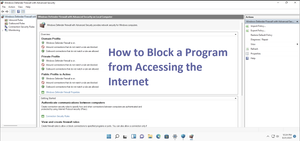
How to Block a Program from Accessing the Internet Windows 11
1. Launch the Windows Settings app. 2. In the left sidebar, select "Network & internet." 3. Then, Click "Advanced network settings" and choose "Windows Firewall."
(external link re...

Heyat_Afroz
Nov 20, 2023Copper Contributor
babulkhan : I wanted to block that to limit my kid's viewing time on youtube. I had finally found the way to do that.
I updated the hosts file under the system32/drives/etc path. took the youtube url and just added to block.

babulkhan
Nov 28, 2023Copper Contributor
It's alright, Actually I usually do use new features of windows and always try to explore things, So that's why I've joined MSCommunity and the important is feeling happy by making peoples happy. Have a nice life.