Forum Discussion

Sharepoint Lists board view corrupted items
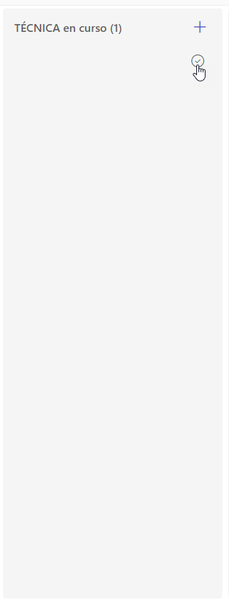

sngBI Did you customize the board view using JSON formatting or is it a default board view without any formatting? If customized using JSON, can you share the JSON code?
Is this issue happening for only you or other users of list as well? If only you, try clearing browser cache and cookies once.
Please click Mark as Best Response & Like if my post helped you to solve your issue. This will help others to find the correct solution easily. It also closes the item. If the post was useful in other ways, please consider giving it Like.
 sngBISep 26, 2022Tin Contributor
Hi ganeshsanap,
This issue is consistent for all people who have access to the sharepoint list, we have even created a new view from clean and the same thing happens.
After some texts we have seen that this issue happens when we put a local url in a url field. I will look for an example to post. The thing is even if we erase the url it doesn't go back to being visible.