Forum Discussion

SharePoint Column Titles, Etc.
- Sep 01, 2022
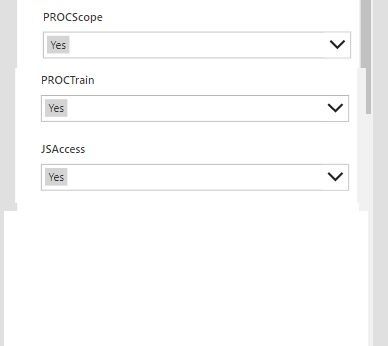
RJF61 If you don't want to rename columns with long name, you can remove the existing value (Parent.DisplayName) from "Text" property of each DataCardKey label control and replace it with a static text (text with the question - long name).
You need to unlock the data card to change the properties:
Please click Mark as Best Response & Like if my post helped you to solve your issue. This will help others to find the correct solution easily. It also closes the item. If the post was useful in other ways, please consider giving it Like.


RJF61 you don't need a standalone Power Apps app for this, you can customise the list form with Power Apps so you don't have to use the out-of-the-box form. Have a look at Reza Dorrani's introductory video on YouTube at https://www.youtube.com/watch?v=aFzd5qwS4-c and there is documentation at https://docs.microsoft.com/en-us/power-apps/maker/canvas-apps/customize-list-form
Rob
Los Gallardos
Intranet, SharePoint and Power Platform Manager (and classic 1967 Morris Traveller driver)
