Forum Discussion

Nevis
Feb 05, 2019Copper Contributor
O365 edit/reset portal default links
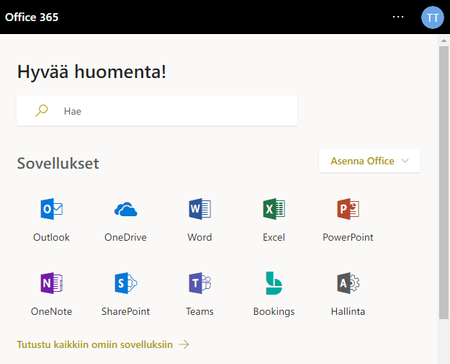
I have faced weird problem were the default links in portal.office.com landing page have changed. Specifically link for the users personal onedrive. For some reason onedrive link opens the default vi...

Feb 05, 2019
Not sure what's happening in your case, but both links are correct...when you click the OneDrive For Business icon, you can see in the browser you are redirected to the first link but almos inmediately, that link is replaced by the second one. So it seems in your case this replacement is not hapenning...I would recommend to open a support ticket here
 NevisFeb 06, 2019Copper Contributor
Open a support ticket where exactly? Is your reply missing a link or am'I missing something?
jcgonzalezmartin wrote:
I would recommend to open a support ticket here- Feb 06, 2019You need to open the support ticket in the Office 365 Admin Portal: Support -> New service request
- NevisFeb 07, 2019Copper Contributor
Ah this I have done. I have been waiting a response for about a week now. Before this I have spent time on phone bouncing between various Microsoft support personnel but unfortunately this problem has been too random to solve on phone. This was the reason I decided to post in here, see if community had answer for me. Unfortunately this seems to be very rare occurrence and I might be first to face it.