Forum Discussion

GFinlayTerumo
Jul 26, 2022Copper Contributor
Grant group access to multiple list items at once
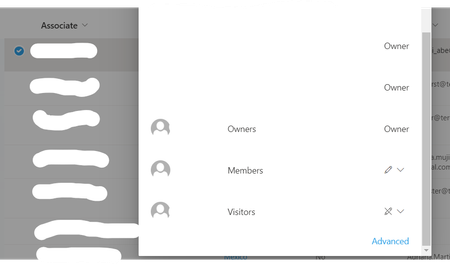
Hi I am looking at creating Groups in order to manage access to specific records in a SharePoint List, people will only be allowed to see the records for the countries that they are in charge of....
- Jul 26, 2022
GFinlayTerumo If you have to make use of unique rights, they should be set at the highest possible level if you are going to be able to maintain them. The simplest solution, I think, is therefore that you divide your current list into several lists (for example, one list per country) and instead administer the rights at the list level instead of at the element level.

MagnusGoksoyrOLDProfile
Jul 26, 2022Bronze Contributor
GFinlayTerumo If you have to make use of unique rights, they should be set at the highest possible level if you are going to be able to maintain them. The simplest solution, I think, is therefore that you divide your current list into several lists (for example, one list per country) and instead administer the rights at the list level instead of at the element level.

GFinlayTerumo
Jul 26, 2022Copper Contributor
Thanks for your response. That was one of our first considerations but the list in question is linked to several Power Automate flows and PowerBi Dashboards/Reports so creating new lists would mean a lot of further work on the dependencies which we were trying to avoid. Running both the individual country lists and treating the existing one as a Master list might be our best way forward if there is no elegant solution for bulk access for each element.
Thanks
Thanks