Forum Discussion

Windows 10 Update (KB5001716) Broke My OneDrive on Windows 10 22H2
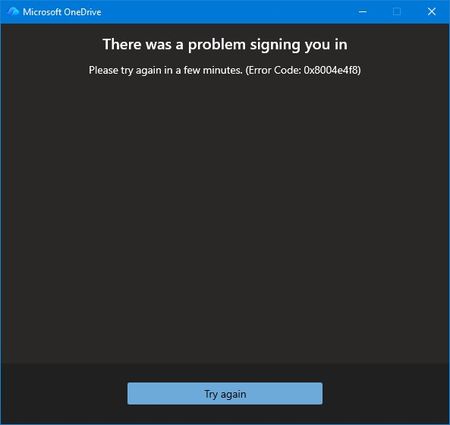

The clean Windows installation and failure in a second profile make a OneDrive cache problem less likely, but error 0x8004e4f8 does not prove a Microsoft back-end outage. Confirm whether this is a personal or work/school account and verify the same account opens OneDrive on the web. Close OneDrive, run the documented OneDrive reset command, then restart it and attempt sign-in once. If it still fails, sign out of Office applications and remove only OneDrive or Microsoft Office identity entries for that account from Windows Credential Manager; avoid registry edits. Ensure Windows date, time, and time zone are automatic, then install OneDrive and Windows updates. Record the OneDrive version, Windows build, account type, error code, and UTC failure time. Because Windows 10 support ended in October 2025 unless covered by ESU, confirm its servicing status. If a supported configuration still fails, provide that evidence to Microsoft support for account-side investigation.