Forum Discussion

s_krawczak
Jan 03, 2026Copper Contributor
Synchronization issue with unknown files
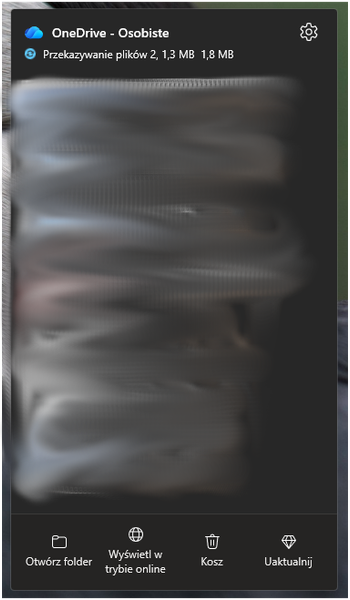
Hello. I have synchronization issue with 2 uknown files since 2 years or so. During that period I've restarted synchronization once. It didn't help. The weight of files sometimes changes what ...

NikolinoDE
Jan 05, 2026Platinum Contributor
Nuclear but effective fix (if you’re done waiting)
If this has been stuck for 2 years, this is safe and commonly done:
Reset OneDrive completely
1. Quit OneDrive
2. Run in Terminal:
/Applications/OneDrive.app/Contents/Resources/ResetOneDriveApp.command
3. Restart OneDrive
4. Sign in again
This rebuilds the sync database and usually removes phantom files.
or try, Temporary exclusion trick
- Move everything out of the OneDrive folder
- Let OneDrive reach “Up to date”
- Move files back in batches
When the error returns → the last batch contains the problem file.
My answers are voluntary and without guarantee!
Hope this will help you.
Was the answer useful? Mark as best response and like it!
This will help all forum participants.