Forum Discussion

OneDrive suddenly became empty after university storage policy change Is recovery still possible?
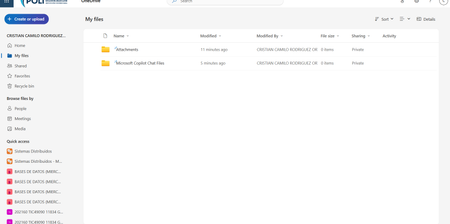

Reducing the quota should not make existing files disappear. Microsoft’s current behavior is to place an over-quota OneDrive into read-only mode: existing content remains downloadable or deletable, while uploads and edits are blocked. An empty My files view therefore suggests a different site, site deletion/replacement, or content deletion rather than ordinary quota enforcement. Ask the SharePoint administrator to record the current personal-site URL and storage usage, compare it with the historical OneDrive URL, and check Active sites and Deleted sites. They should also run the deleted-personal-site query, inspect both recycle-bin stages, Purview retention locations, audit events for file or site deletion, license history, and service health. Do not reprovision the OneDrive or start a new sync, because that can complicate identification. Open a Microsoft 365 support case immediately with the UPN, site URLs, last-known-good date, and UTC discovery time so Microsoft can examine backend restore options before retention windows expire.