Forum Discussion

New Lists app in Teams
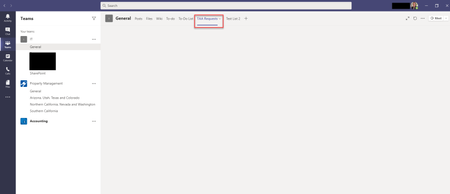

morghandc quick update on my progress, i tried removing everyone's access to the List A of Team 1 then i re-added access for Team 2, 3, 4 and so on (via sharepoint).
i'm getting some replies saying they (those who are not in Team 1) can view List A now, within the tab of their own Team (instead of a blank screen).
will continue to monitor.
<EDIT> spoke too soon, users (those who are not in Team 1) are looking at a blank screen again..

chilledrice Thank you for the update. I think we'll hold off on implementing this in our org as it sounds like there are many things that can go wrong... What I'd hate to do, is add a HEAVILY used list in a very busy channel, have people notice it, but then it be broken, haha. Ill keep eye out for your updates!! Thanks again.