Forum Discussion

Annette1101
Oct 09, 2020Brass Contributor
New meeting experience - Show Captions (GCC)
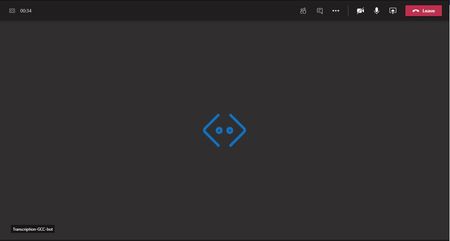
We just received the new meeting calling/experience in our Teams instance. We are a GCC client. When someone in the meeting/call enables show captions, a "Transcription-GCC-bot" appears as another pa...

Ed_Winslow
Oct 12, 2020Copper Contributor
What is this "transcription-GCC bot" that is taking up screen space w/o doing anything useful? What is it and, more importantly, how do I turn it off? Note that I had never seen it until I enabled the new "Meeting in a Window" feature that was just introduced.
- techmastermikeOct 23, 2020Copper Contributor
Ed_Winslow - I agree that the bot takes up valuable real estate on the screen without adding much. Frustrating that there's not a way to hide the bot to give more screen to human participants.
