Forum Discussion

Microsoft Teams File Permissions: Why Can't I Remove Direct Access?
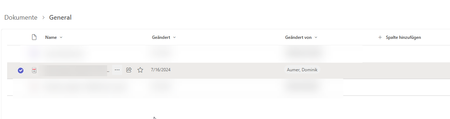

Uploading to a Teams channel makes you the file's creator, not its owner, and SharePoint keeps those separate. Manage Access checks for owner rights before it shows Remove Access, so whoever granted that direct access can't take it back without site owner or site collection admin rights.
Fastest fix is pulling the permission from SharePoint Admin Center rather than the Teams file card, which isn't restricted the same way. Making the person a Team Owner temporarily works too. If this comes up across a lot of files, Remove-PnPListItemPermission in PnP PowerShell skips the UI.
Worth checking who's actually a Team Owner while you're in there. If the person managing files isn't one, they'll hit the same wall on everything they've shared directly.