Forum Discussion

Meeting chats visible for only one month in Microsoft Teams
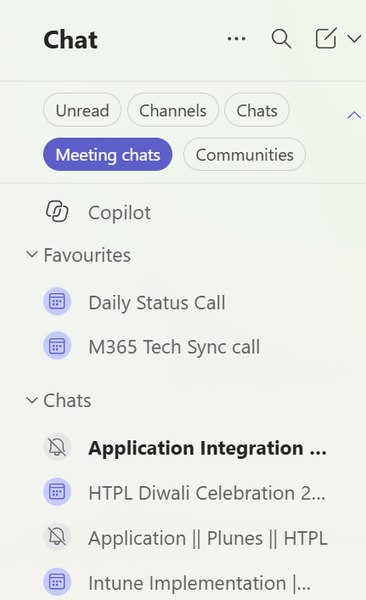

Your screenshot shows the Meeting chats filter, but it does not establish that older conversations have been deleted. Microsoft documents this filter as a way to group meeting conversations; its current guidance does not provide a 30-to-60-day display setting in Teams settings or Teams Admin Center. First search Teams for the exact title of a meeting older than a month. Alternatively, find that meeting in Calendar, right-click it and choose Chat with participants. If its chat opens, the history remains accessible despite the filtered list. Compare the same account in Teams on the web to isolate a desktop display issue. If older messages are absent there too, ask your administrator to check the applicable Teams-chat retention policy in Microsoft Purview and any deletion notice in the conversation. Retention is separate from the filter. Provide one affected meeting, date and client version if escalation is needed.