Forum Discussion

'Get Email Address' for Channels disappeared
- Jan 22, 2018I had this issue also and opened a support ticket with Microsoft. It's a known bug but there is a workaround! Simply go to a channel for that team - and then in the middle pane where the conversation posts show click the header "..." and you will see the option for it. Once you pick it there it will then show up in the left nav's "..." for each channel.

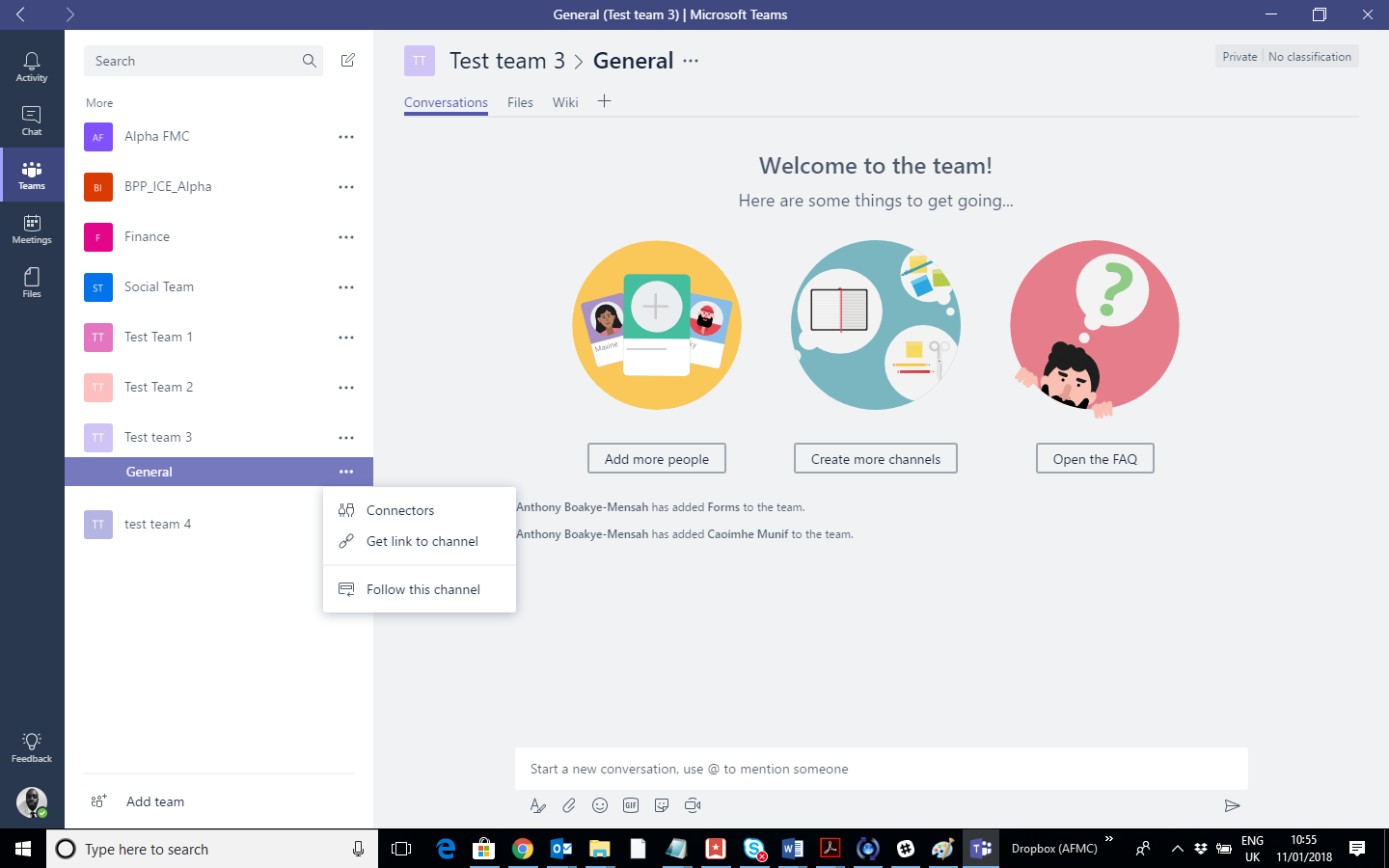


Brian_H Thanks. On the free version, I am the admin and it's not an option in settings. Perhaps this is not a feature in free Teams? It definitely doesn't work in my EDU based teams and I assume that is because of the admin controls you referred to.
So, it appears my Team just hit a glitch while it was being created. I was not able to upload a Team picture and some other minor errors in addition. I set up a new team on a browser, essentially copying everything I could from the dysfunctional one. After about 10 minutes the "Get email address for this channel" option appeared and I was able to upload a video. Hallelujah!
 tfosc80Feb 24, 2020Copper Contributor
After I added a new channel to a team the "Get email address" magically appeared on all channels what were missing the "Get email address".
 squireandpartnersApr 06, 2020Copper Contributor
tfosc80 - thanks for the suggestion - this also worked for me.