Forum Discussion

Diogo_Xerez
Mar 20, 2020Copper Contributor
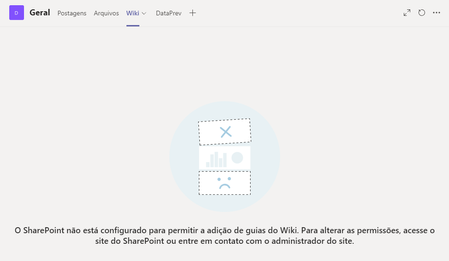
Can´t access SHP library in a team
I´ve created a team with profile X and loaded with content (files and wiki) and shared the team with a bunch of people. But then i decided to use another profile. So i´ve created profile Y, g...

alenezi
Mar 20, 2020MCT
Have you checked the permission?
1. Select "Open in Sharepoint" from the channel options
2. Go to "Site Contents" on the left-hand side menu
3. Select "Teams Wiki Data" from the contents list
4. Select the channel folder
Permissions can be viewed/modified by selecting the opening the "Details Pane" by clicking the "info" icon in the top right
Check permission there.
Goodluck!