Forum Discussion

Need help! I deleted my Forms Excel Sheet
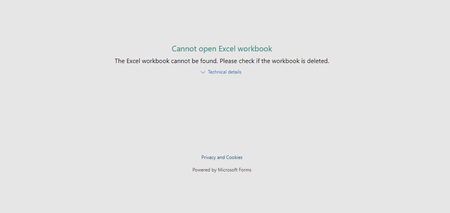

Hi John
If you have creation rights to the form, you can go back and export the responses to Excel.
1. Click onto the form you want to view.
2. Click onto the Responses tab (to the right of the Questions tab where you would have set up the forms questions).
3. Click onto the Open in Excel link. The results of the form should export to Excel.
Hopefully that is what you are after.
Good luck and let us know how you go?
Cheers
Damien

I have followed your instructions and i still get the error message
- Damien_RosarioOct 13, 2019Silver Contributor
Hi DominiqueMAB
How was your form generated? Did you create it in OneDrive, or straight from Forms itself, or did you create it in a SharePoint group?
If it's OneDrive, go into your OneDrive and the root directory may have your Excel doc results in it.
If it's Forms itself, the instructions above should have worked.
If it's SharePoint, go into the SharePoint group that it's associated with, and check the Documents directory for the Excel file.
If all else fails, try logging a ticket with Microsoft Support (do this through your IT guy or perhaps one of the Microsoft Employees who frequent this site can assist Yong Qiu).
Hope you find a solution!
Cheers
Damien
- Damien_RosarioOct 13, 2019Silver Contributor
Oh one last one which may do the trick, did you check the recycle bin of your OneDrive or SharePoint site to see if the file is there?
If it is, restore it!
Cheers
Damien
 Hakim_RazakJun 21, 2021Copper ContributorHi there,
I’m in a similar situation, but a bit different where I still have the file, just that I accidentally edited (remove certain variable) the excel file to the point where any new data capture does not appear on the excel file itself.
any way I can recover it to its original? because I see that the result still show those data in MS form, but not in excel.
thank you in advance.