Forum Discussion

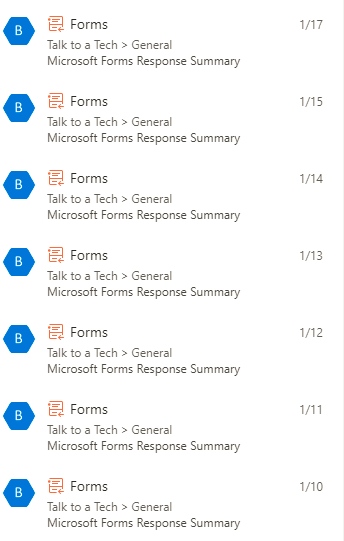
Microsoft Forms Response Summary- How do I turn it off?

Hi rexbailey
Try:
1. Click onto the ... on your team and go to Manage team.
2. Click onto Apps (far right of the menu of options).
3. You should see Forms in the list, click onto the delete (trash can) icon and a prompt will ask you to confirm uninstalling.
4. Click Uninstall and the Connector will be removed.
Let me know how you go?
Cheers
Damien
 mwise121Mar 18, 2022Copper Contributor
Damien_Rosario Will removing forms stop all other types of notifications when responses are actually submitted? I am in the same instance just want the summary to be removed.
- Damien_RosarioMar 20, 2022Silver Contributor
Hi mwise121
This was a long time ago. I can't quite remember now but it's likely it'll remove all notifications.
There may be a way to configure the notifications since the initial answer above so it may be worth poking around to see?
Personally, I haven't had a need to use the notifications in quite a while.
Good luck!
Cheers
Damien