Forum Discussion

Users unable to change Wi-Fi settings on Dedicated Android Kiosk Devices
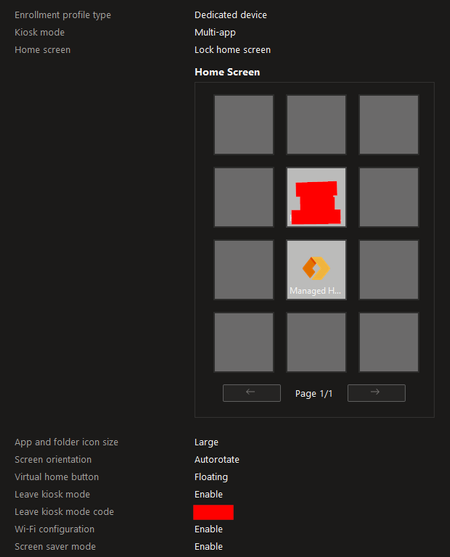

It's a permission issue, if you enable all notifications and status bar you will see a Android notification saying do you want to "Managed Home Screen suggested networks. Device may connect automatically. Allow , No thanks."
I have informed MS about this a long time ago. Was asked to create a new ticket after some time to another Team. But worked around it by pushing the settings app and looking the settings menu down.
In the Device Restriction Policy you need to set the following.
System notifications and information
Show system notifications and information in device's status bar
The user will then get this Notification in the Status Bar, you need to pull from the top of the screen.
Old reddit post where I posted my findings and the workaround.
https://www.reddit.com/r/Intune/comments/10ehdp3/comment/j63j4qr/
Sriram_Jasti this is the solution.
You also need to be aware that if you configure a network, and t´hat network is within range the user cannot switch, they need to be out of range of the configured network to allow this. But notifications etc needs to be turned on. This causes a bad KIOSK mode experience so i opt in for pushing the settings app and using samsung knox plugin to limit the menu.

JimmyWork - it worked for me thank you for the suggestion!