Forum Discussion

iOS Enrollment and Conditional Access
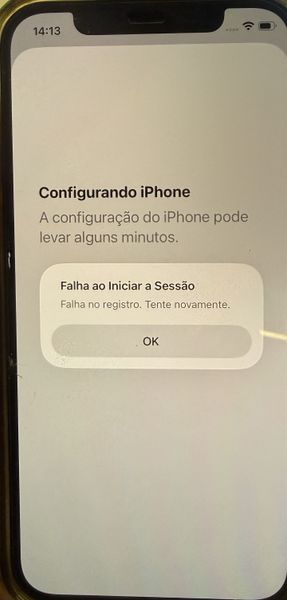

Your enrollment works until this Conditional Access policy is enabled, so the likely issue is evaluation before the iPhone has an Entra device record, not Intune compliance itself. Microsoft documents that the compliant-device grant does not block Intune enrollment when configured as recommended. However, an unregistered device has null properties, and a negative filter such as mdmAppId -notIn applies to it. Because your policy targets all resources, a dependent enrollment sign-in may receive the compliance requirement. First, set the policy to Report-only for a pilot user and retry. Then inspect the failed Entra sign-in: Conditional Access tab, resource, failure reason, and device details. Temporarily remove the device filter for the pilot; if enrollment succeeds, redesign targeting around registered devices instead of a negative mdmAppId test. Also verify JIT registration, Microsoft Authenticator assignment, service discovery, and the enrollment profile. Keep emergency accounts excluded, then enable only after report-only results are clean.